Create a token grant within the Liquifi app
Last updated: November 6, 2024
If you have a large number of grants to create, it may be faster to create them in bulk using our CSV import process.
Navigate to your Token grants page.
Click the blue
Create newbutton in the upper right corner and selectToken grant.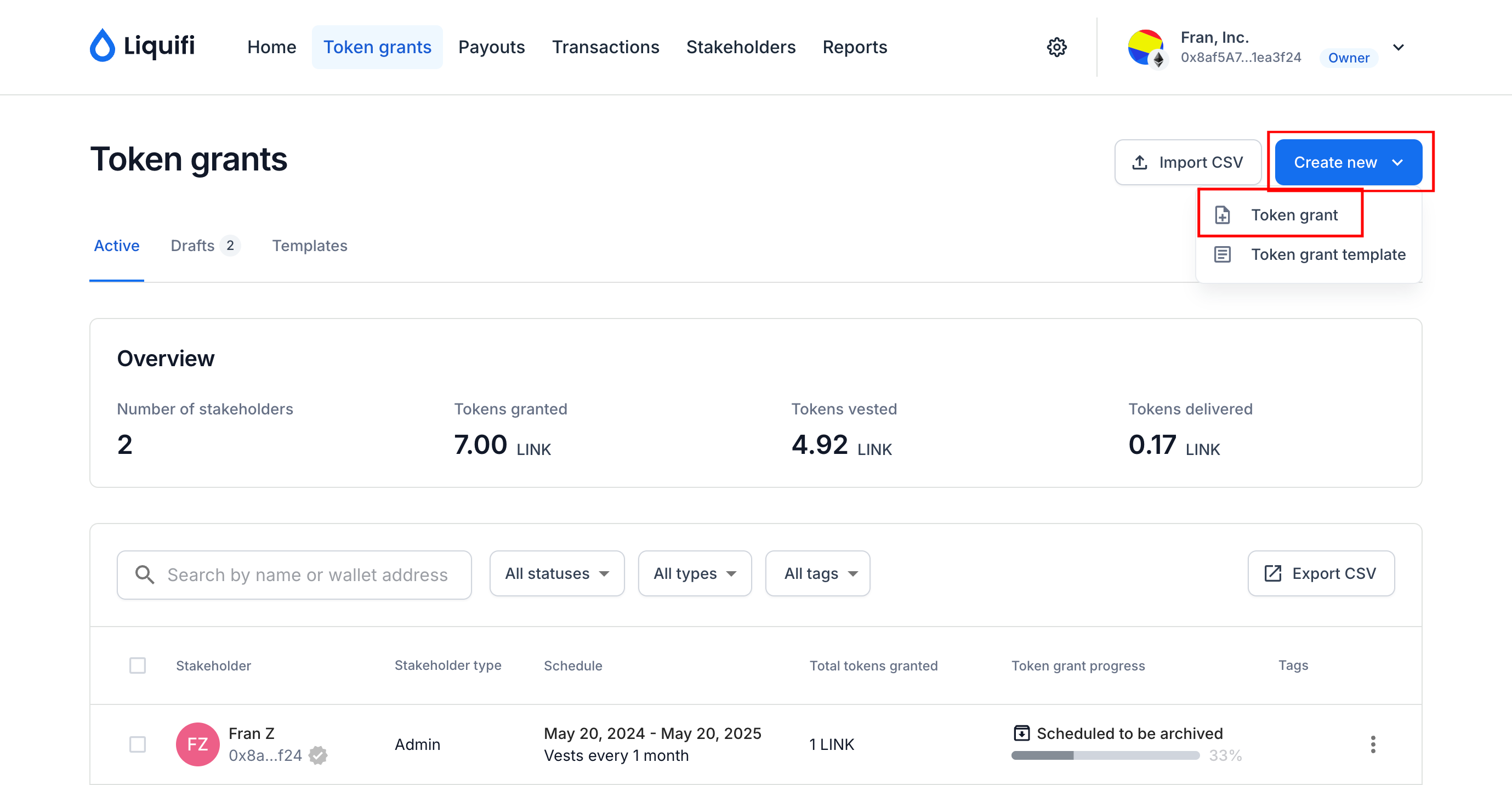
Select an existing stakeholder by clicking in the
First namefield or add new stakeholder information.
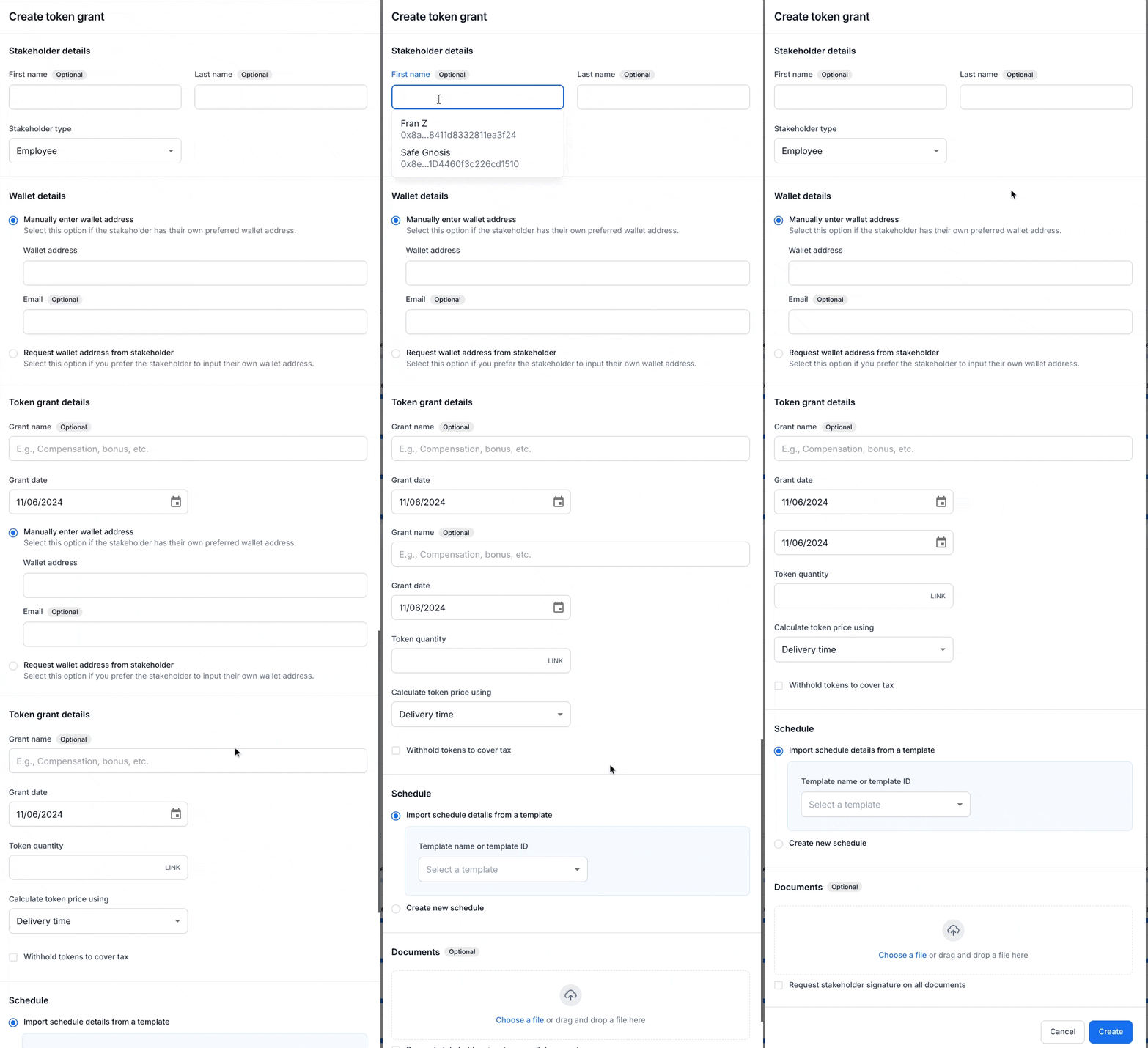
If you don't have the stakeholder's wallet address, you can create their token grant using just their email address and then invite them to submit their wallet address directly via Liquifi.
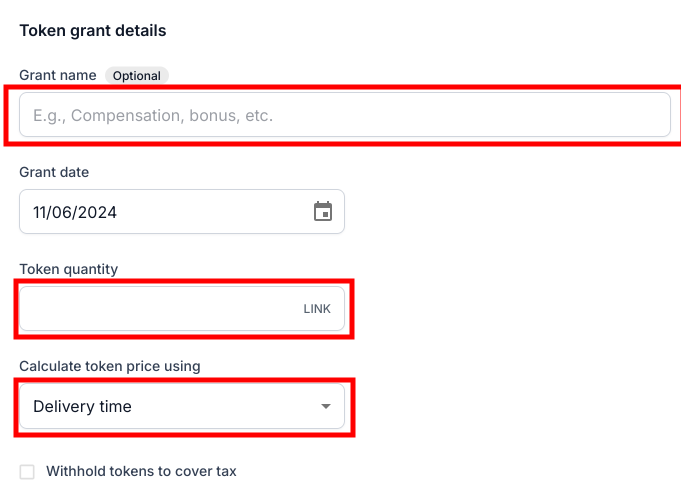
Select a grant date (usually the document signature date for the stakeholder’s grant) and define the total token grant quantity. Then, choose a token price calculation method.
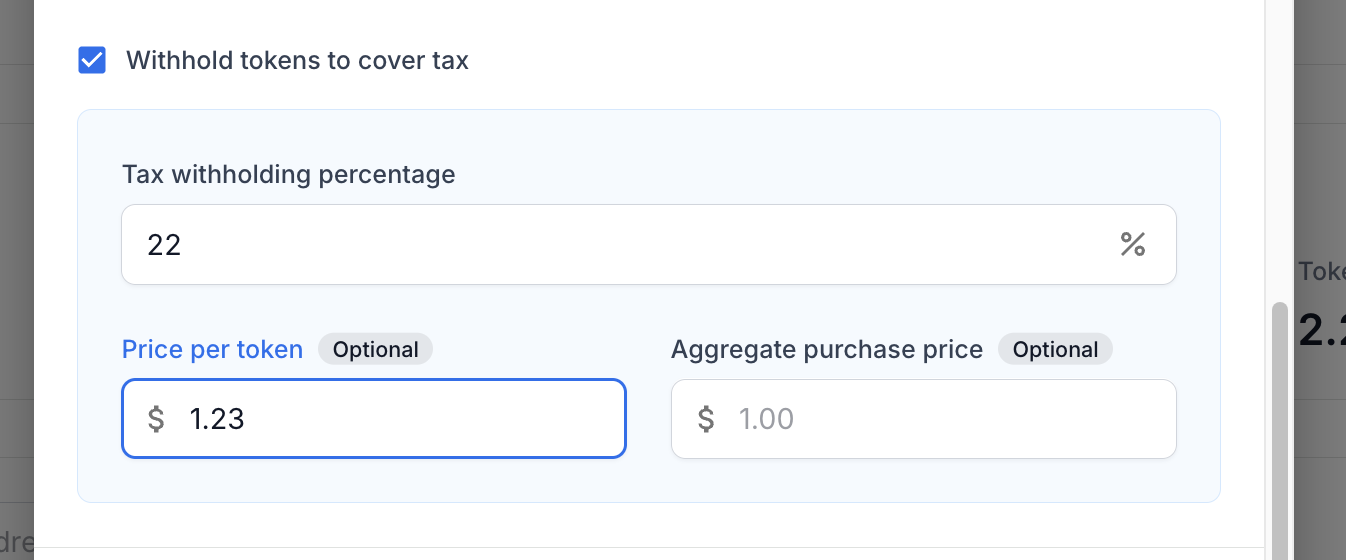
Optional: set a tax withholding rate and price per token for tax purposes.
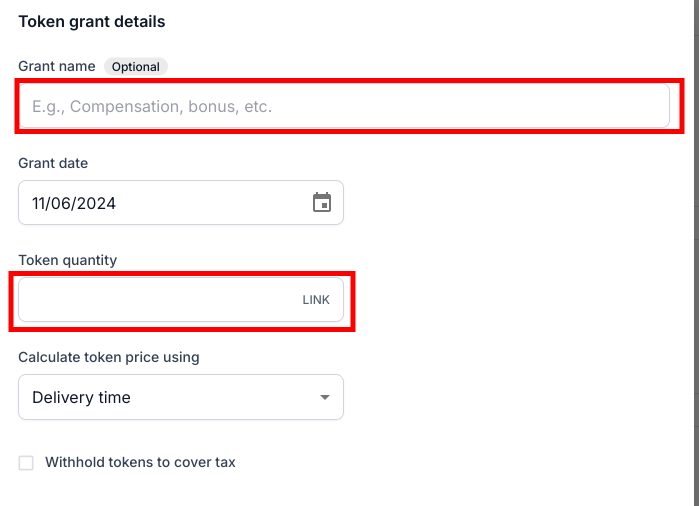
Select an existing template ID from your account to apply or create a new schedule.
If you're creating a new schedule, add a vesting and/or lockup schedule.
Complete the corresponding parameters or custom schedule details.
If you need assistance with translating your token grant agreements into token grant schedules in our system, please contact your Liquifi onboarding manager or reach out to our support team at support@liquifi.finance.
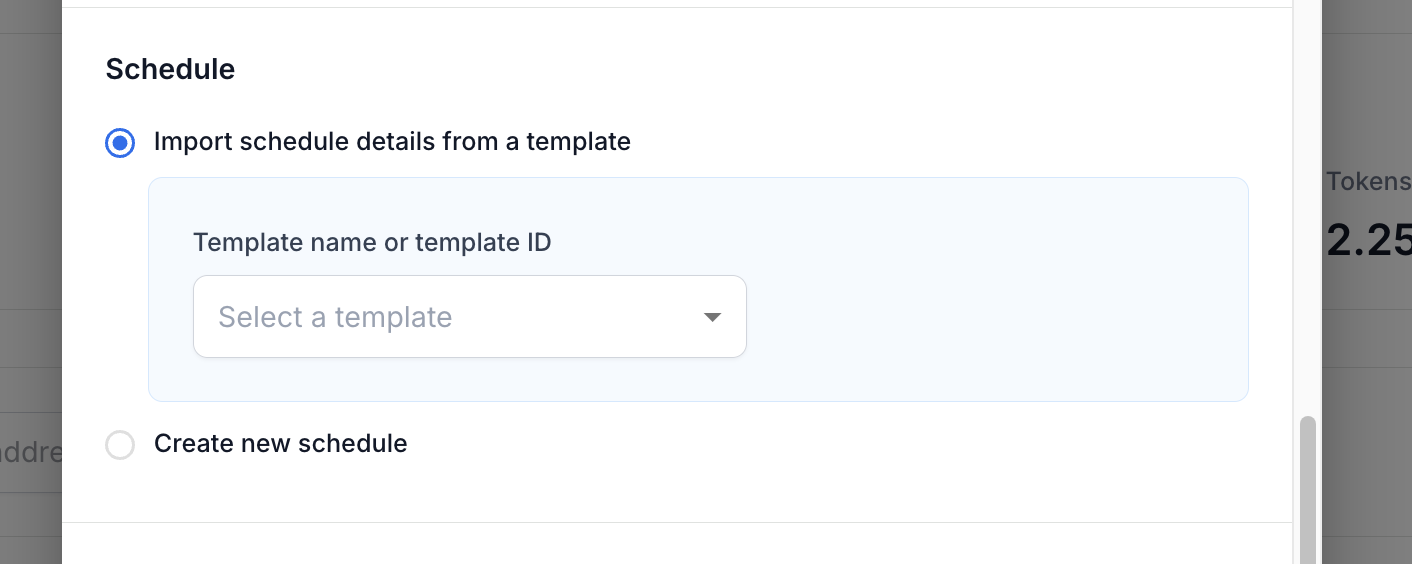
Once you've finished building the token grant structure, click
Createto generate the token grant draft.
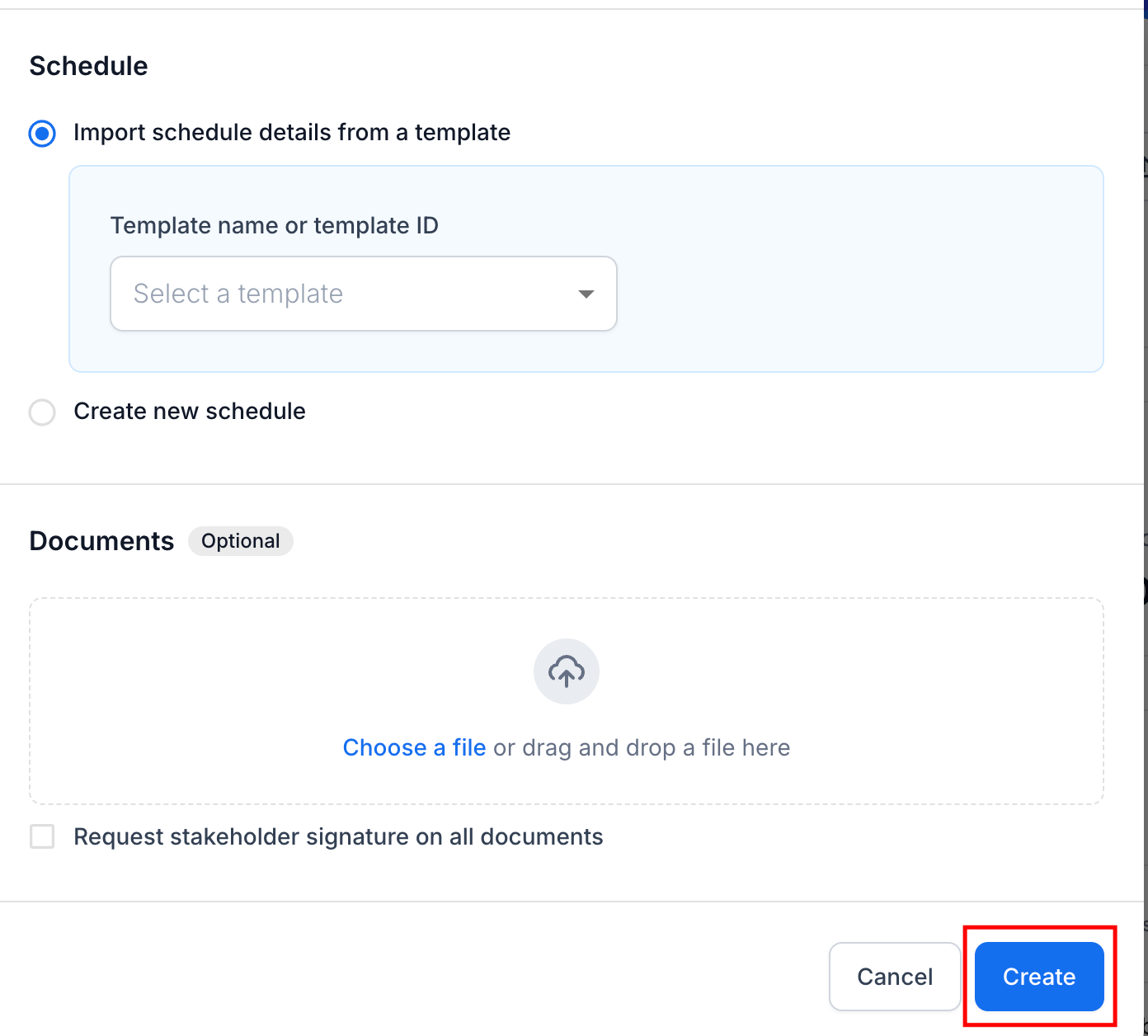
Once you've created your token grants, you'll need to publish the token grants.
If you need immediate assistance, please contact our support team directly at support@liquifi.finance
If you don't see what you're looking for in our support documentation, you can request a resource to be made by our support team using this form.