Delete a token grant
Last updated: September 25, 2024
You might need to delete an existing token grant in certain circumstances (e.g., you found an error and need to recreate the token grant). You can delete a token grant using the following steps:
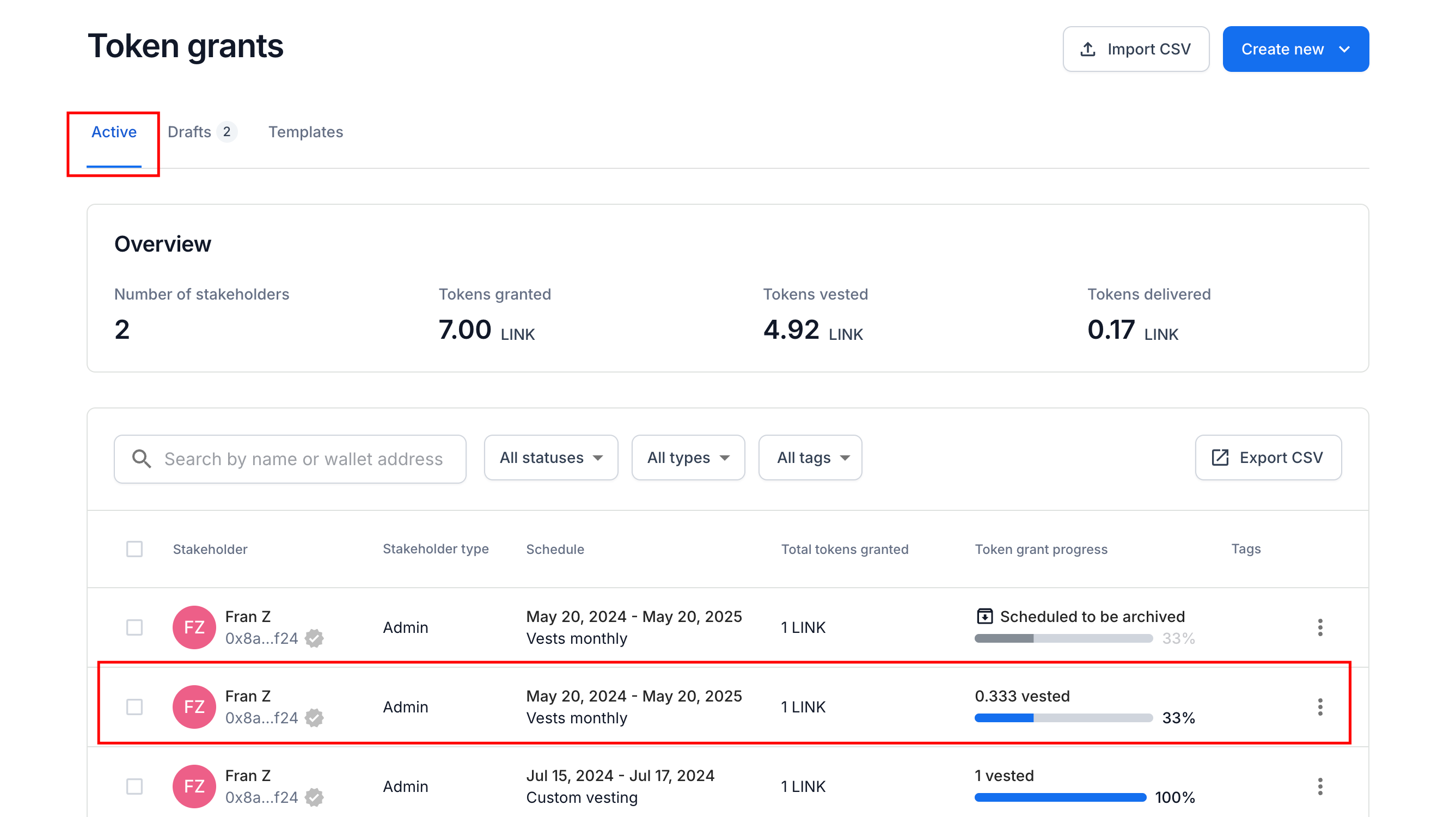
Locate the Active token grant
Navigate to your token grant dashboard.
Identify the token grant you want to delete.
Delete the token grant
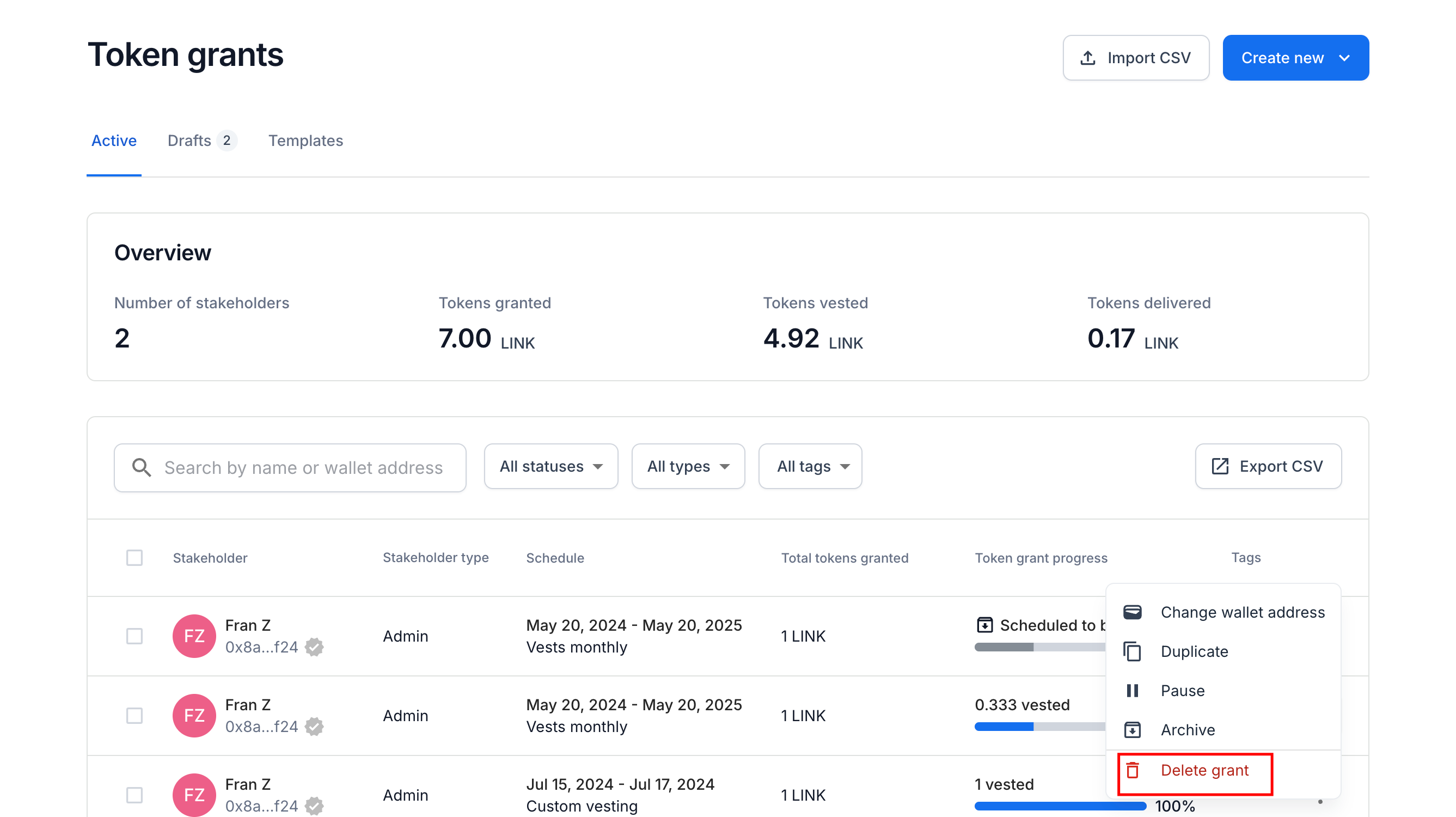
Click on the three dots next to the token grant.
Select
Delete grant.
Select
Delete grantto confirm the transaction.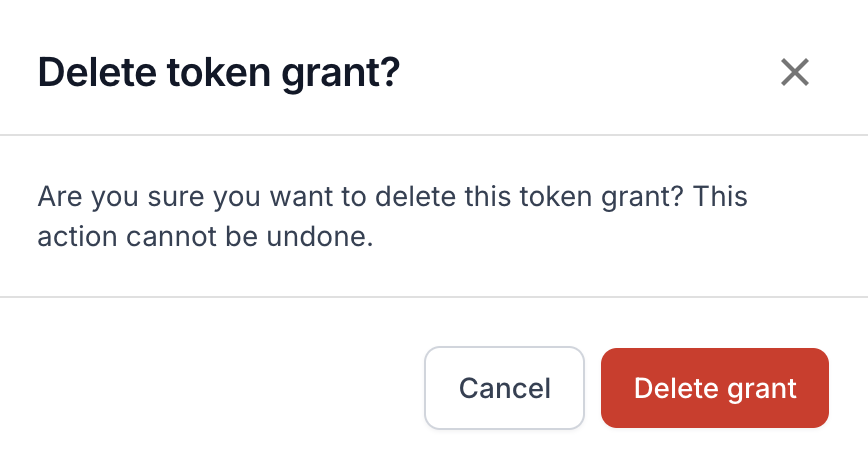
If your LIquifi account is a smart contract account or other on-chain account (i.e., not a tracking-only account or an account with a qualified custodian), you will be prompted to sign an on-chain transaction to complete the deletion.
If you need immediate assistance, please contact our support team directly at support@liquifi.finance
If you don't see what you're looking for in our support documentation, you can request a resource to be made by our support team using this form.