Bulk archive token grants
Last updated: August 30, 2024
Log in to Liquifi.
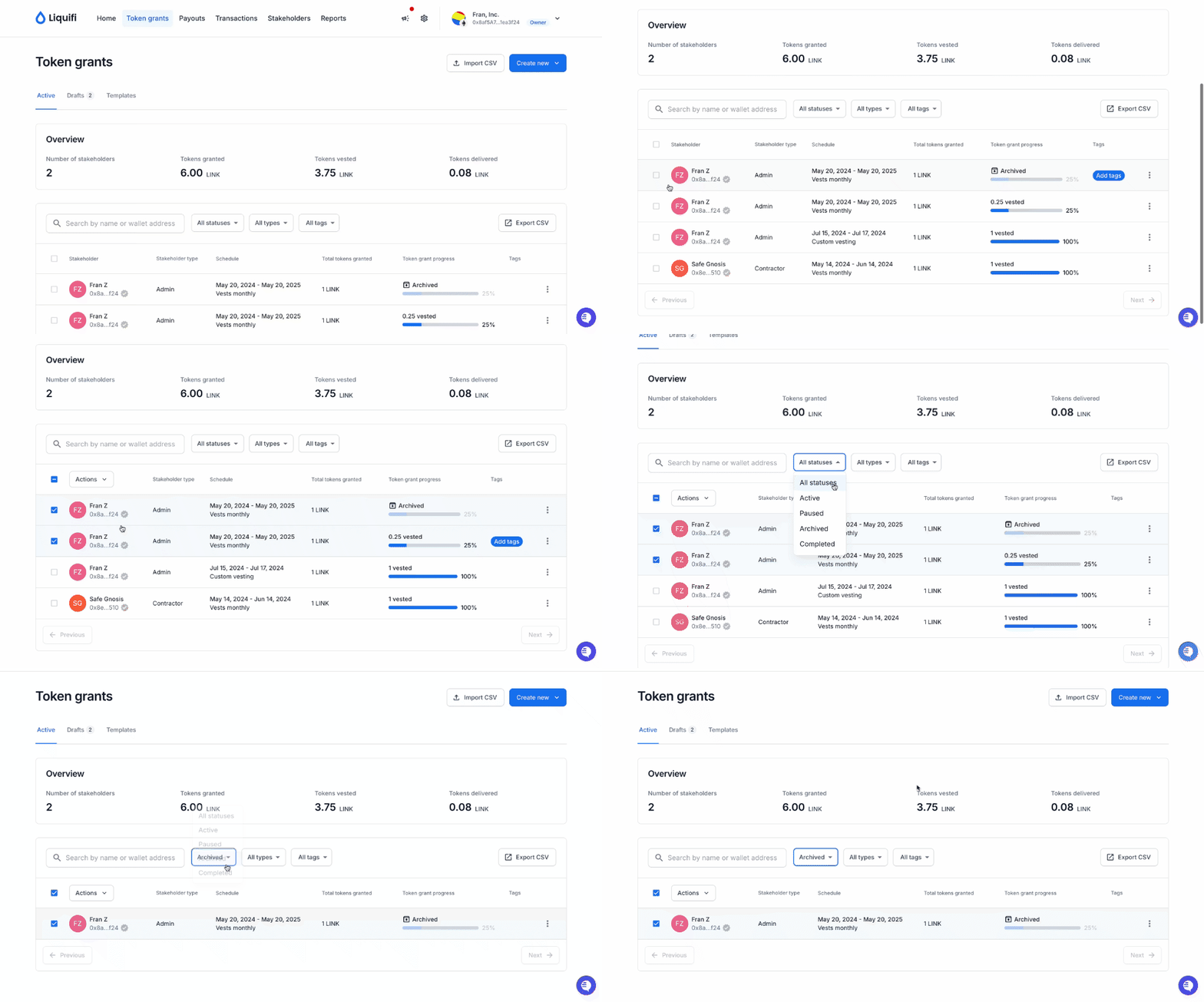
Choose the token grants that you want to bulk archive by clicking the checkboxes on the left side of each respective row.
Click the
Archivebutton at the top of the screen.Optional: Set a specific date for the archive other than today. The pop-up modal will default to today's date.
Optional: Include a reason for archiving (e.g., employee termination)
Click
Archive token grantsbutton to process the change.

If your company is on-chain, you'll be prompted by your wallet provider to sign an on-chain transaction for the archive.
Once processed, your archive will be complete.
If you need immediate assistance, please contact our support team directly at support@liquifi.finance
If you don't see what you're looking for in our support documentation, you can request a resource to be made by our support team using this form.