Log in with your email address
Last updated: August 28, 2024
ON-CHAIN ACCOUNT MAINTENANCE: If you intend to perform any actions that require on-chain transactions (publishing token grants, paying out tokens, etc), you must login using the correct wallet provider for the wallet address registered to your token grant.
Navigate to https://app.liquifi.finance/
If you are unsure which network to select, please contact your token grant administrator.
Click
Log inEnter your email address in the pop-up modal
.gif?alt=media&token=e626db98-7fe0-4102-a2bc-b2e4daeaa3e1)
Press
ContinueNavigate to your email inbox and locate the one-time password (OTP) email from Liquifi
Copy and paste the one-time password from your email into Liquifi
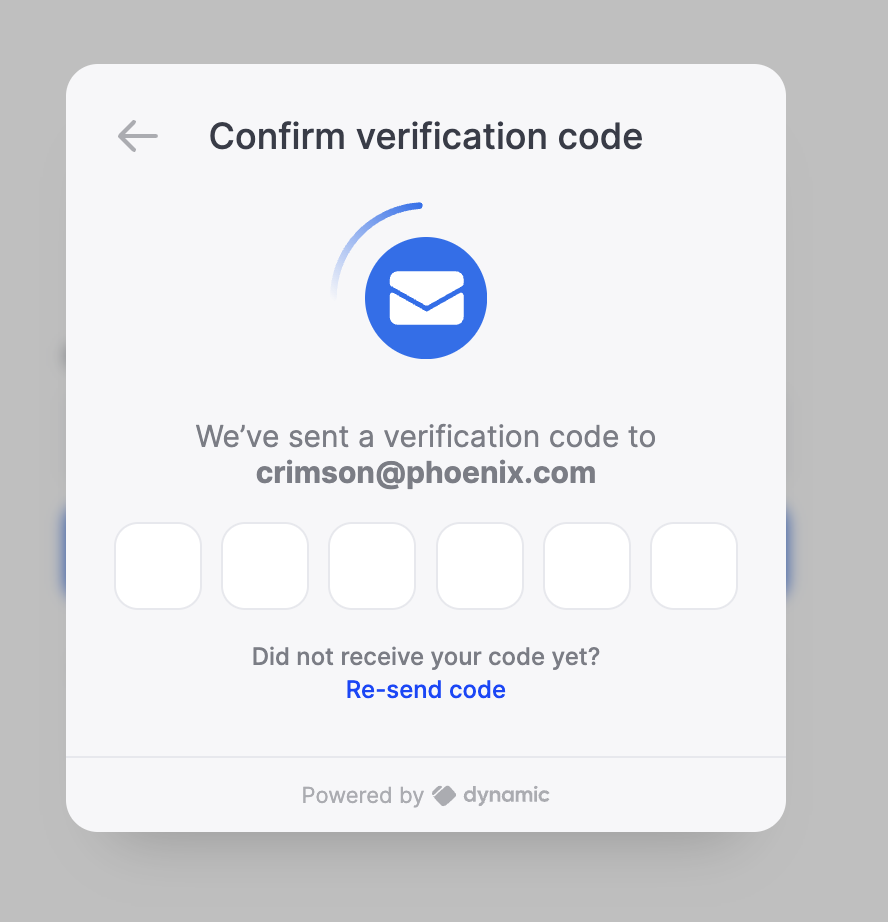
The Liquifi app will process your sign-in request.
Once processed, you'll see your
Portfolioview where any active token grants will be displayed.
If you experience issues with logging in or see an error message, click the Reset your wallet connection link at the bottom of the login prompt. If the issue still persists, reach out to your token grant administrator to ensure they've added your email address to your token grant in Liquifi.
If you need immediate assistance, please contact our support team directly at support@liquifi.finance
If you don't see what you're looking for in our support documentation, you can request a resource to be made by our support team using this form.