Log in using a hardware wallet with a browser extension
Last updated: September 20, 2024
Using a Ledger wallet? If so, we recommend two steps:
- Log in by connecting your Ledger to a wallet provider's browser extension: Stakeholders have reported issues with attempting to connect directly to Liquifi using Ledger Live. We advise using a wallet provider's browser extension such as Rabby or Metamask. The instructions below demonstrate how to connect a hardware wallet to Rabby.
- Enable blind signing: You'll need to enable blind signing in your wallet to be able to connect to Liquifi. Here's Ledger's support article on setting that up: https://support.ledger.com/article/4405481324433-zd
Connect your hardware wallet to a browser extension
Connect your Ledger to your computer and ensure the correct wallet address is selected.
Set up the Rabby browser extension (if not already set up)
Open Rabby in your browser and select the button in the top-right corner to add an address.

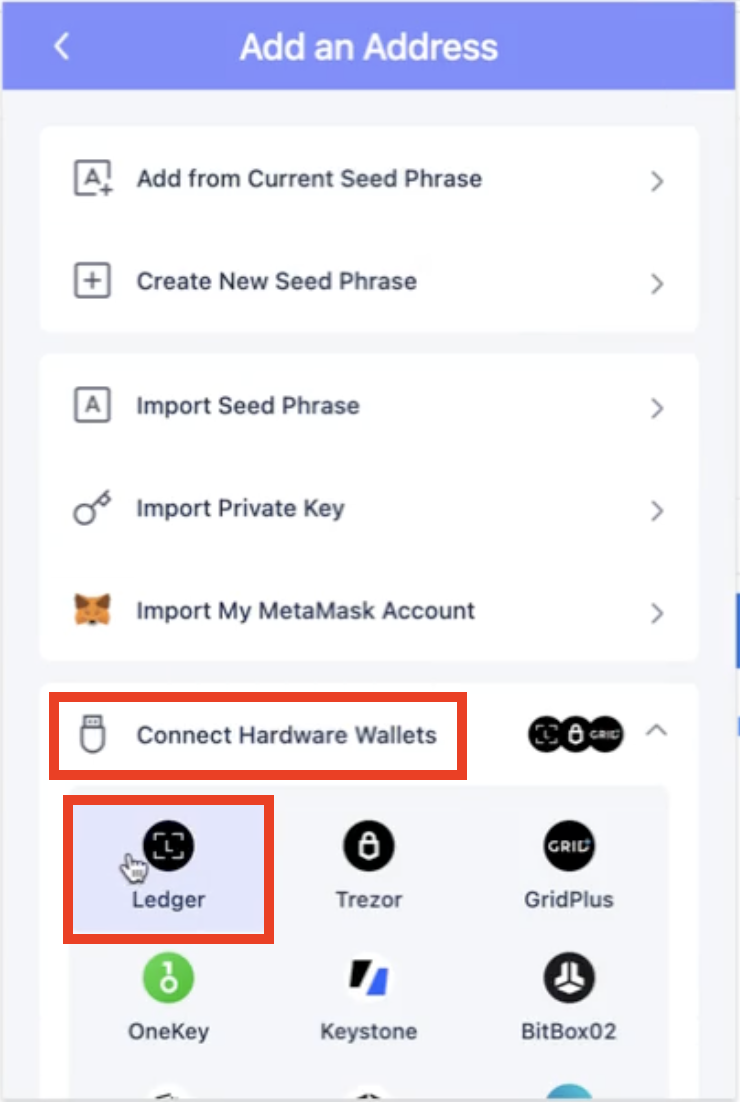
Click
Connect Hardware Walletsand selectLedger.
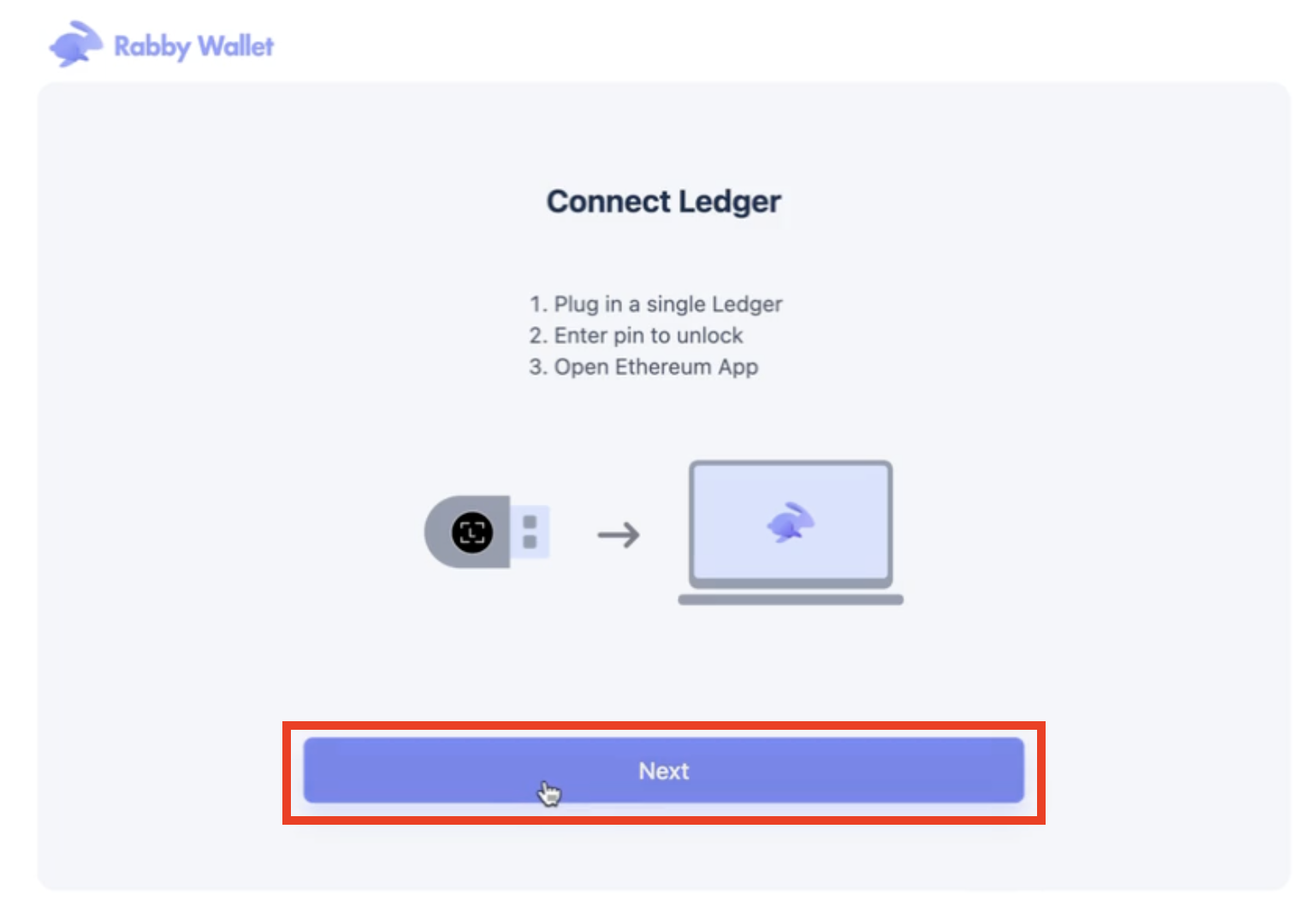
Click
Nextto begin the wallet connection process and import your Ledger addresses.
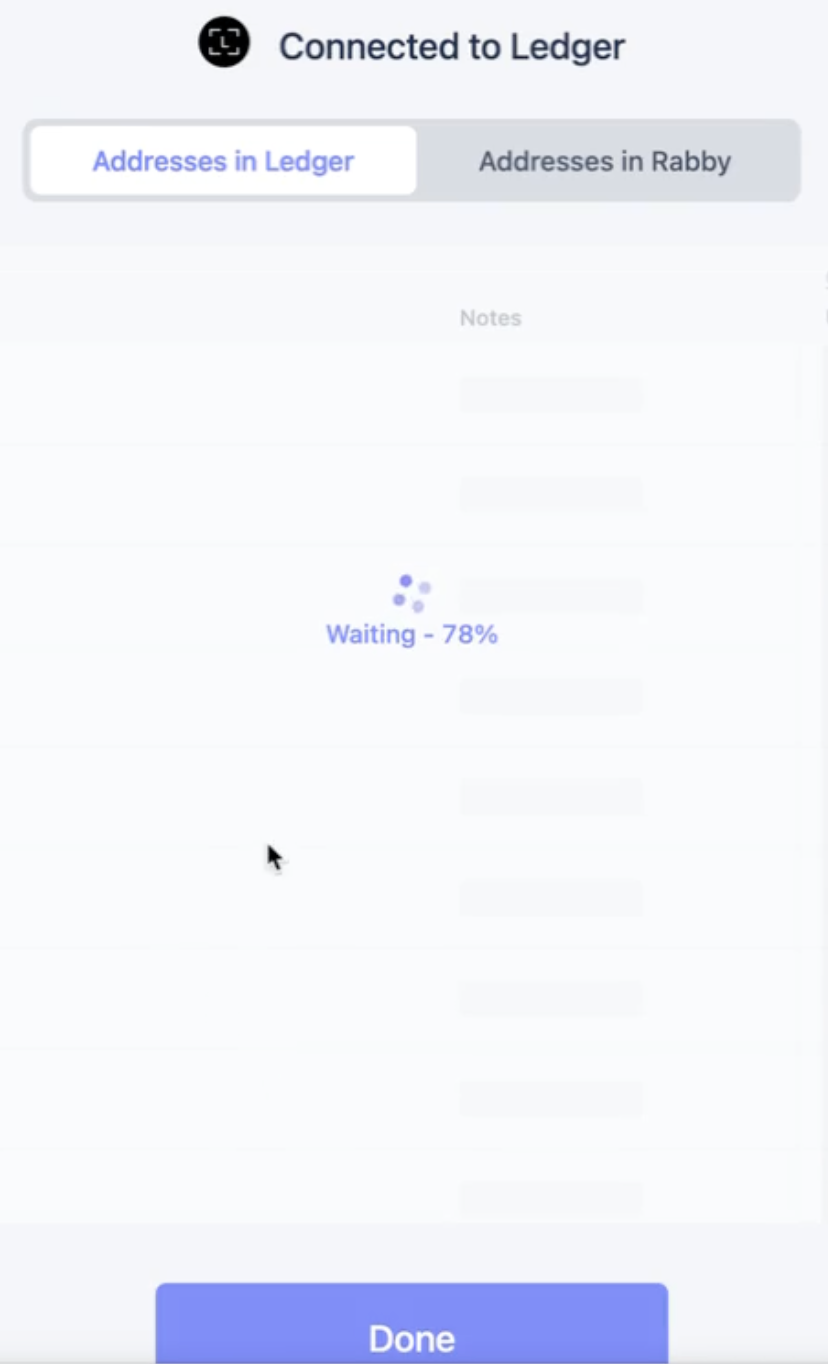
Turn on the
Add to Rabbyswitch for each wallet you want to add to Rabby.
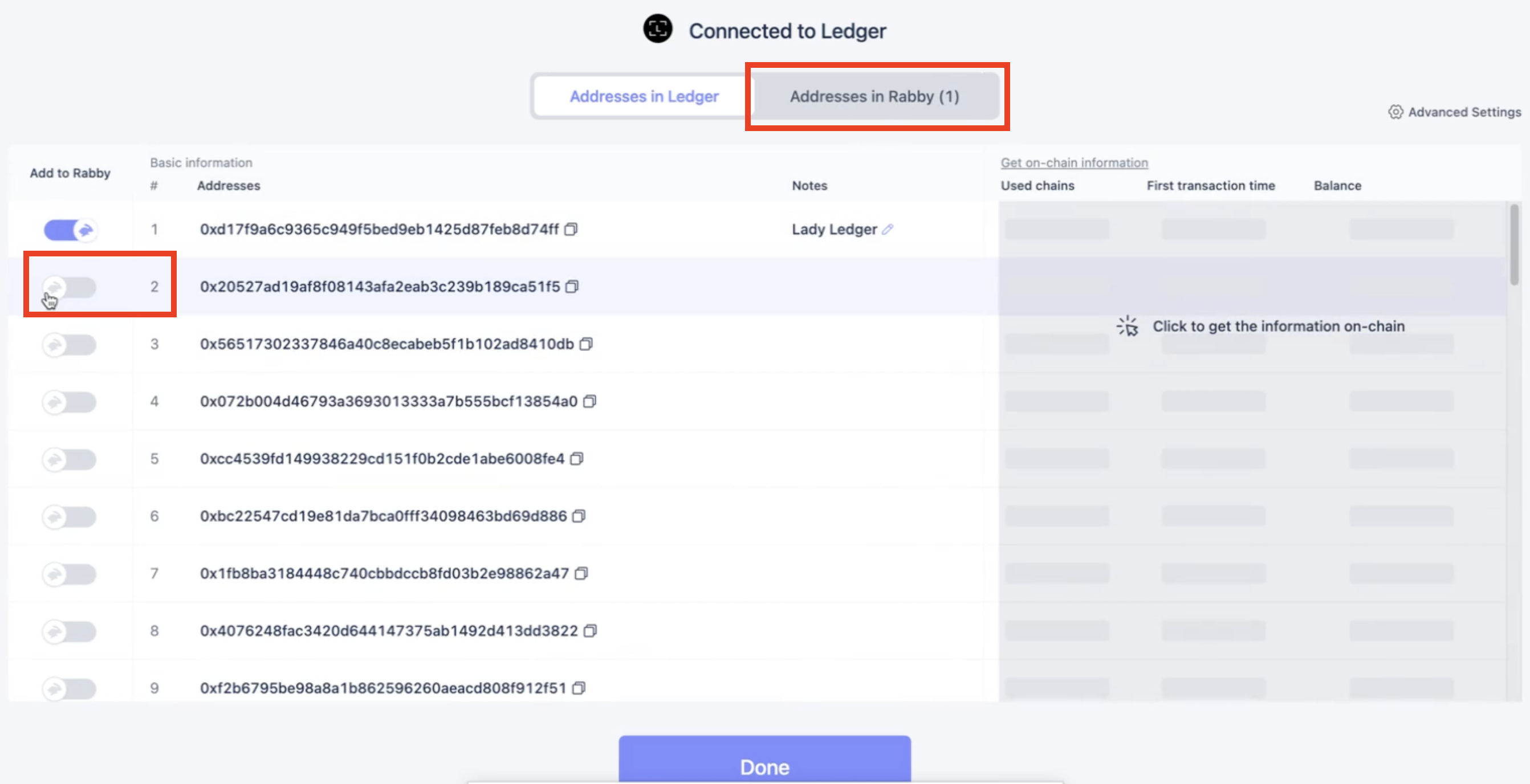
Name the Ledger address(es).
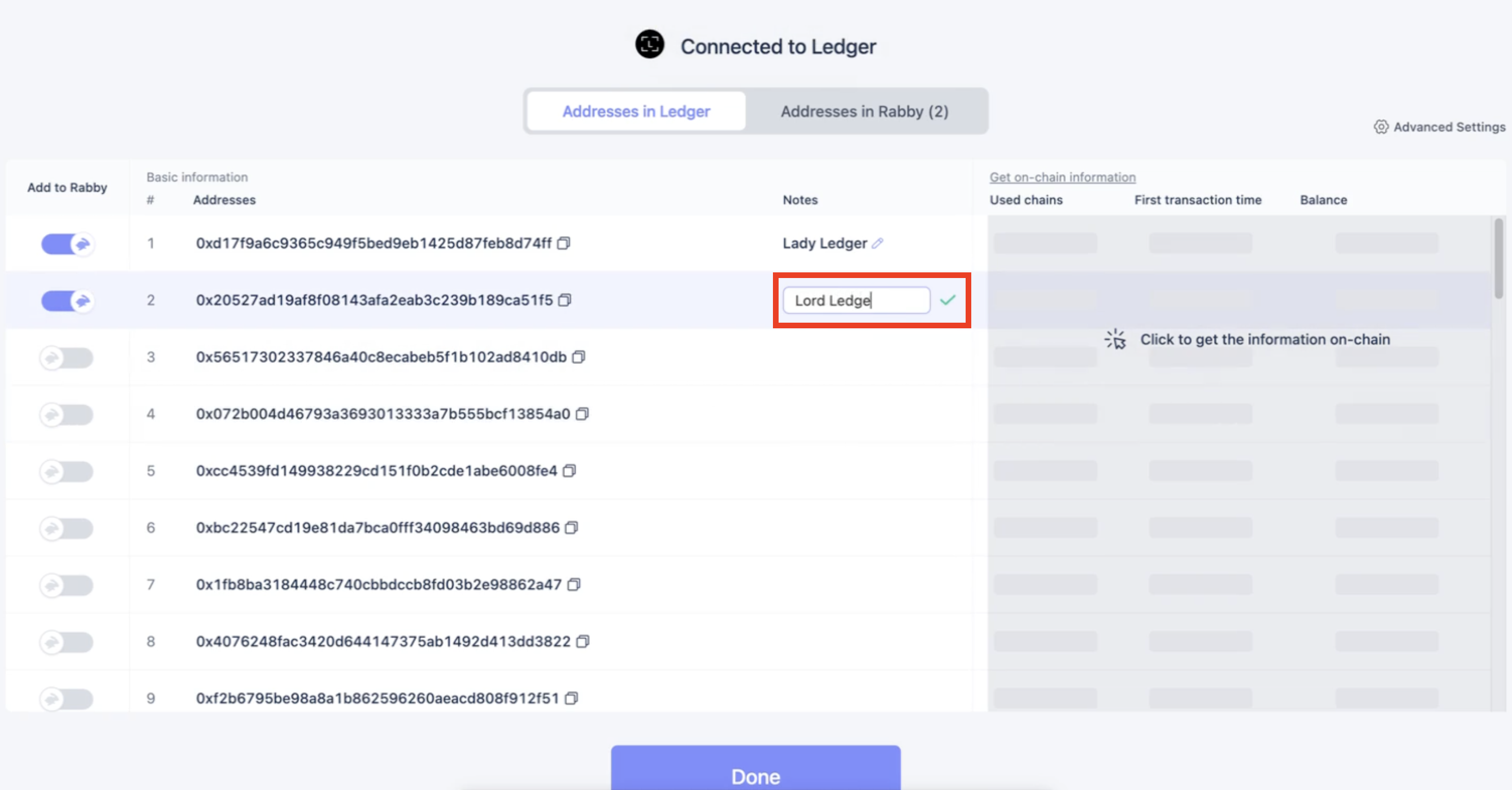
Click
Doneand reopen the Rabby browser extension to verify that you can select the Ledger wallet address within Rabby.

Return to the Liquifi login screen and reset your login connection.
Click on the appropriate network and press
Log in.

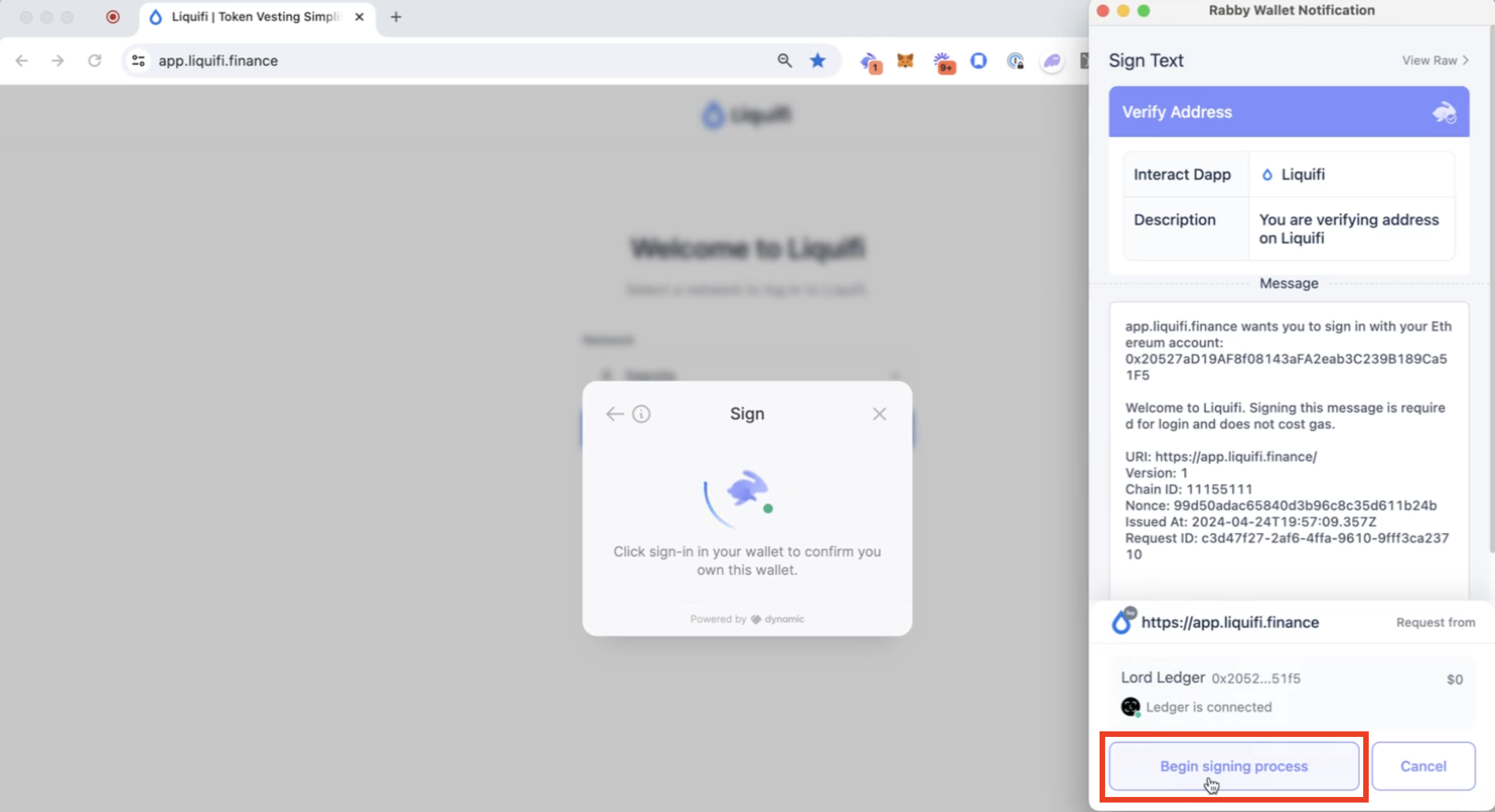
Open your Rabby browser extension.
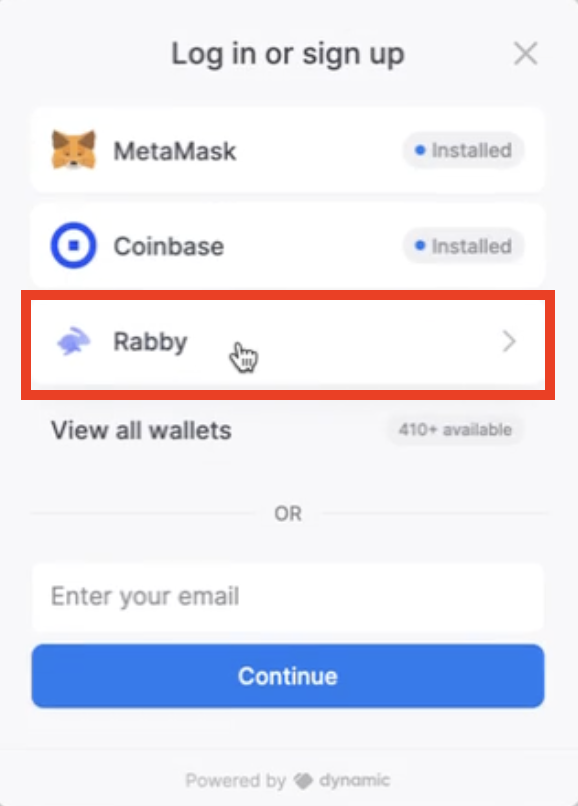
Click
Begin signing process.
If you receive a Transaction rejected error, press retry to reattempt signing the transaction.
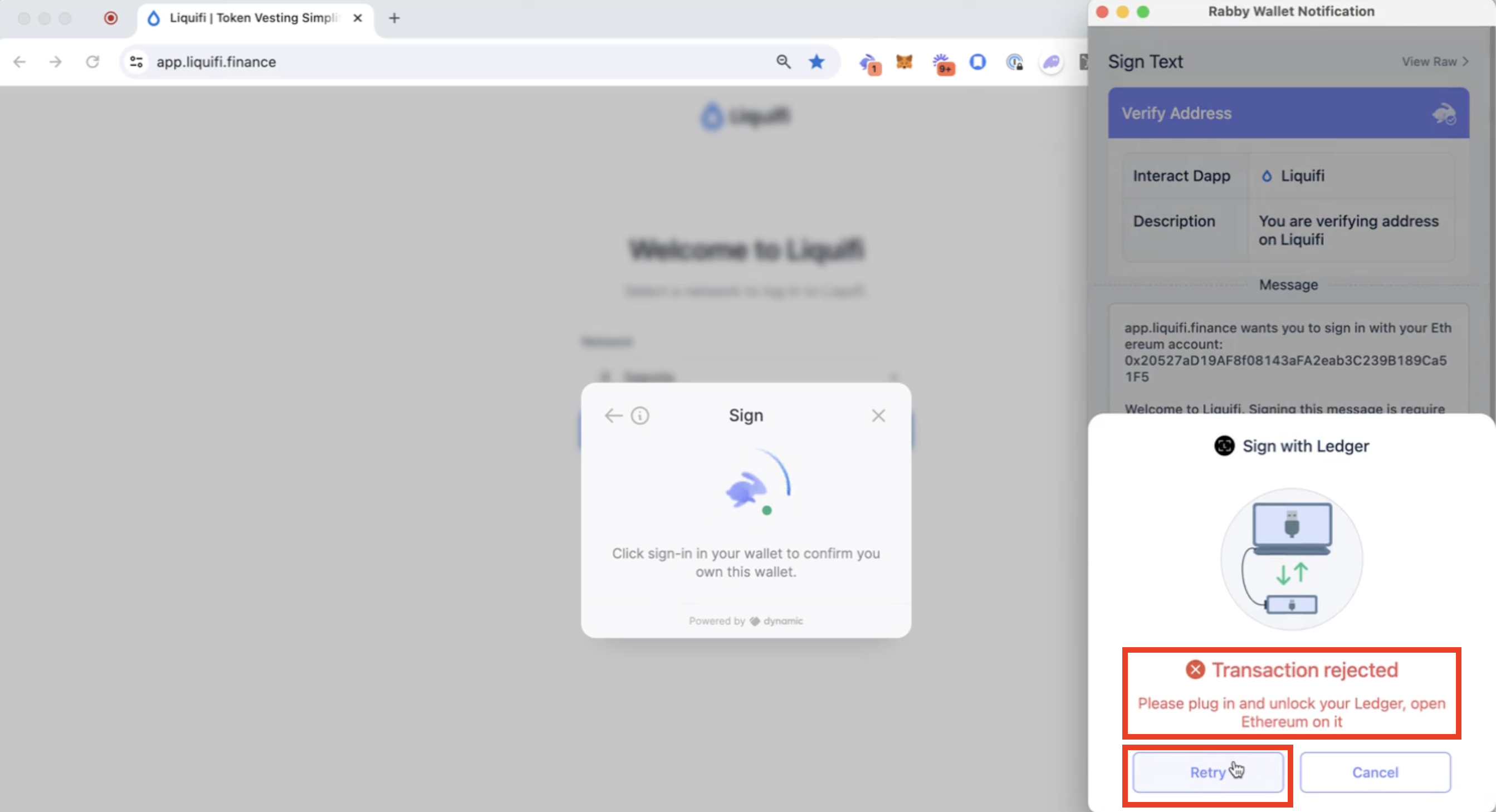
Once successful, you will receive a notice on your ledger to sign a message.
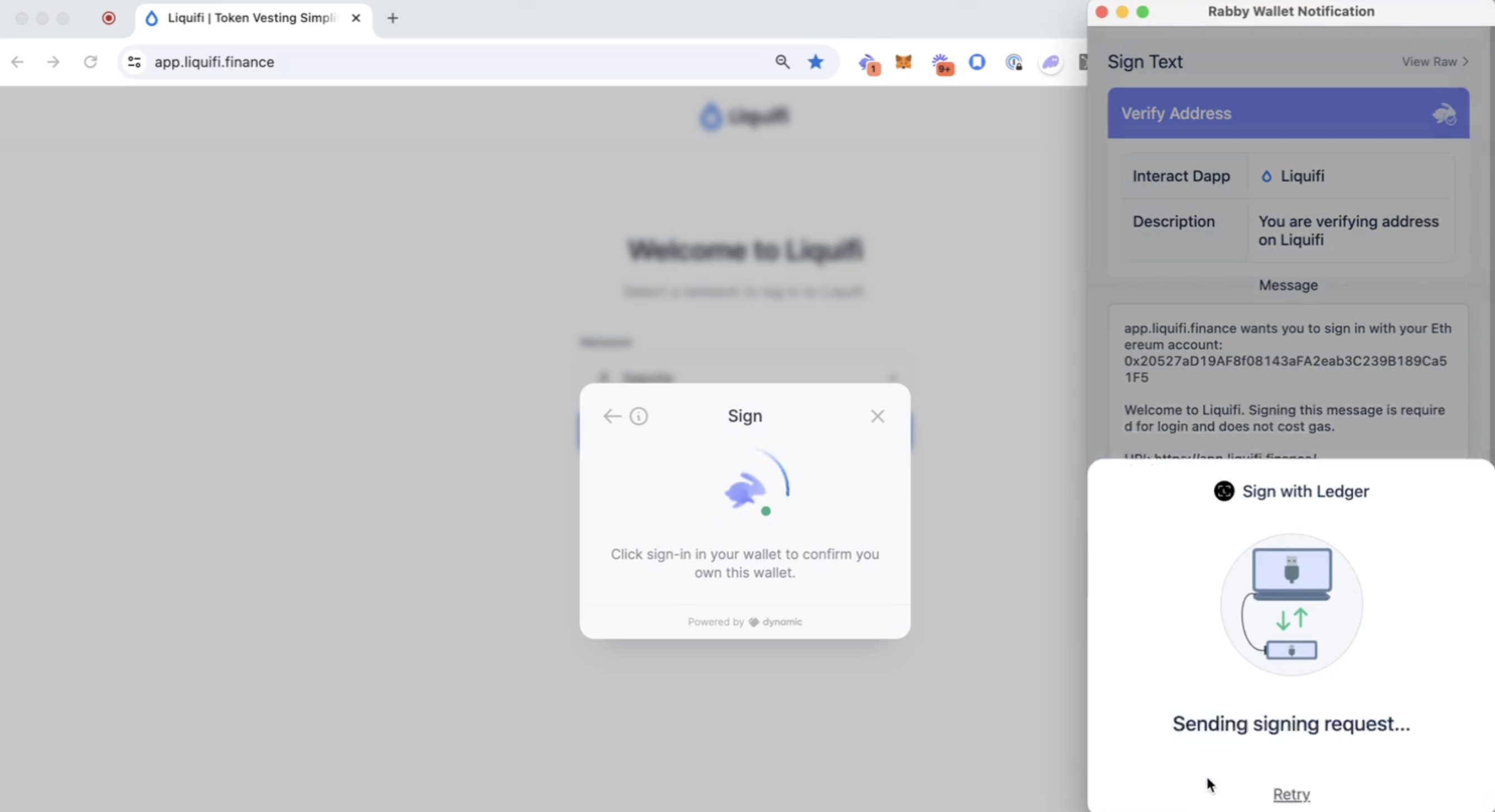
Sign the message. If successful, you will see a
Transaction createdmessage.
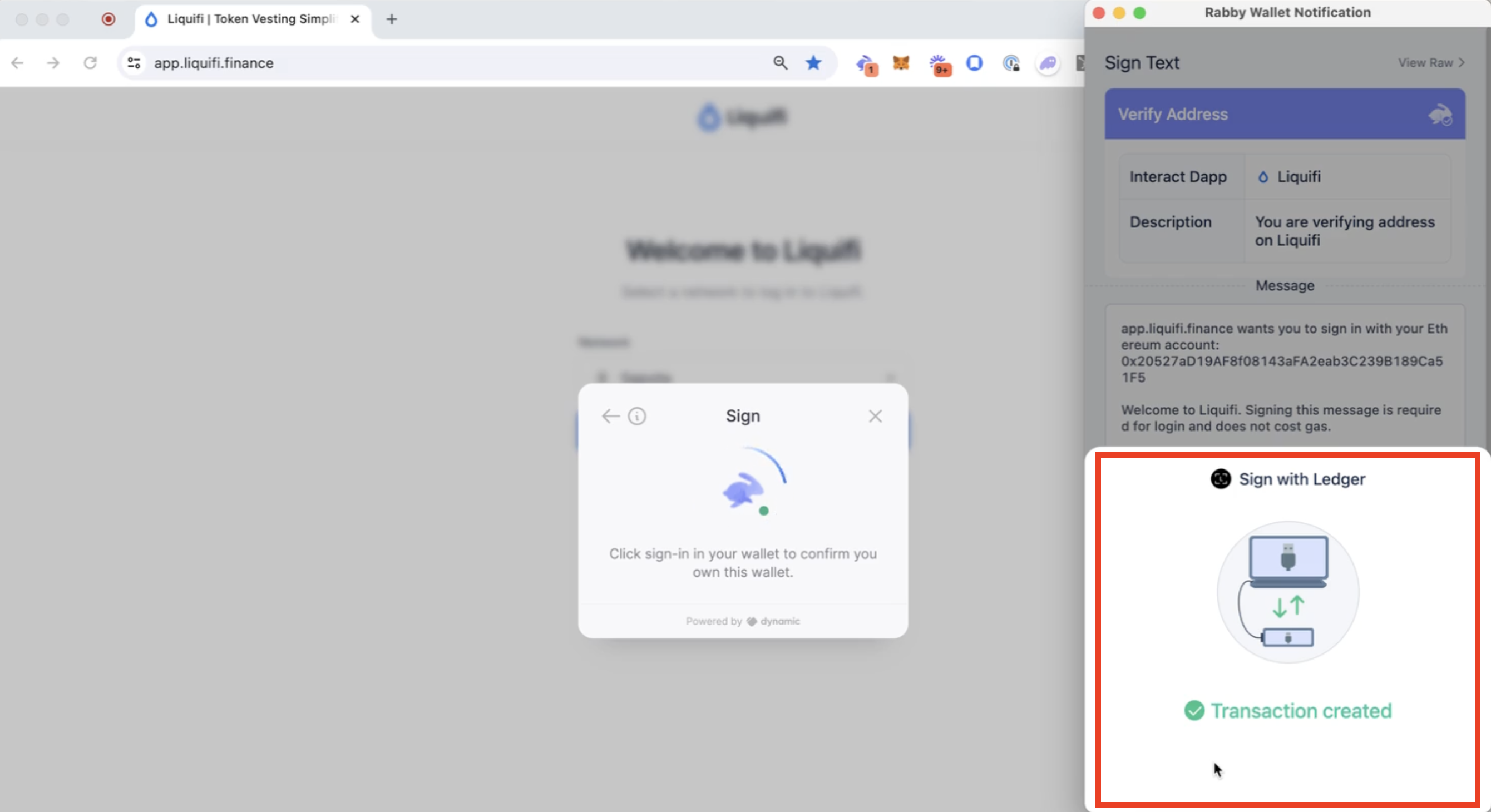
The Liquifi app will then load your portolio page where you can view your token grants.

If you need immediate assistance, please contact our support team directly at support@liquifi.finance
If you don't see what you're looking for in our support documentation, you can request a resource to be made by our support team using this form.