Log in with Metamask
Last updated: September 18, 2024
You must first install the Metamask browser extension before you can log in to Liquifi with a Metamask account. Here's the link to use to download that: https://metamask.io/download/
If you experience issues with logging in or see an error message, click the Reset your login connection link at the bottom of the login prompt.
Navigate to https://app.liquifi.finance/
Choose the appropriate network for your token grant.
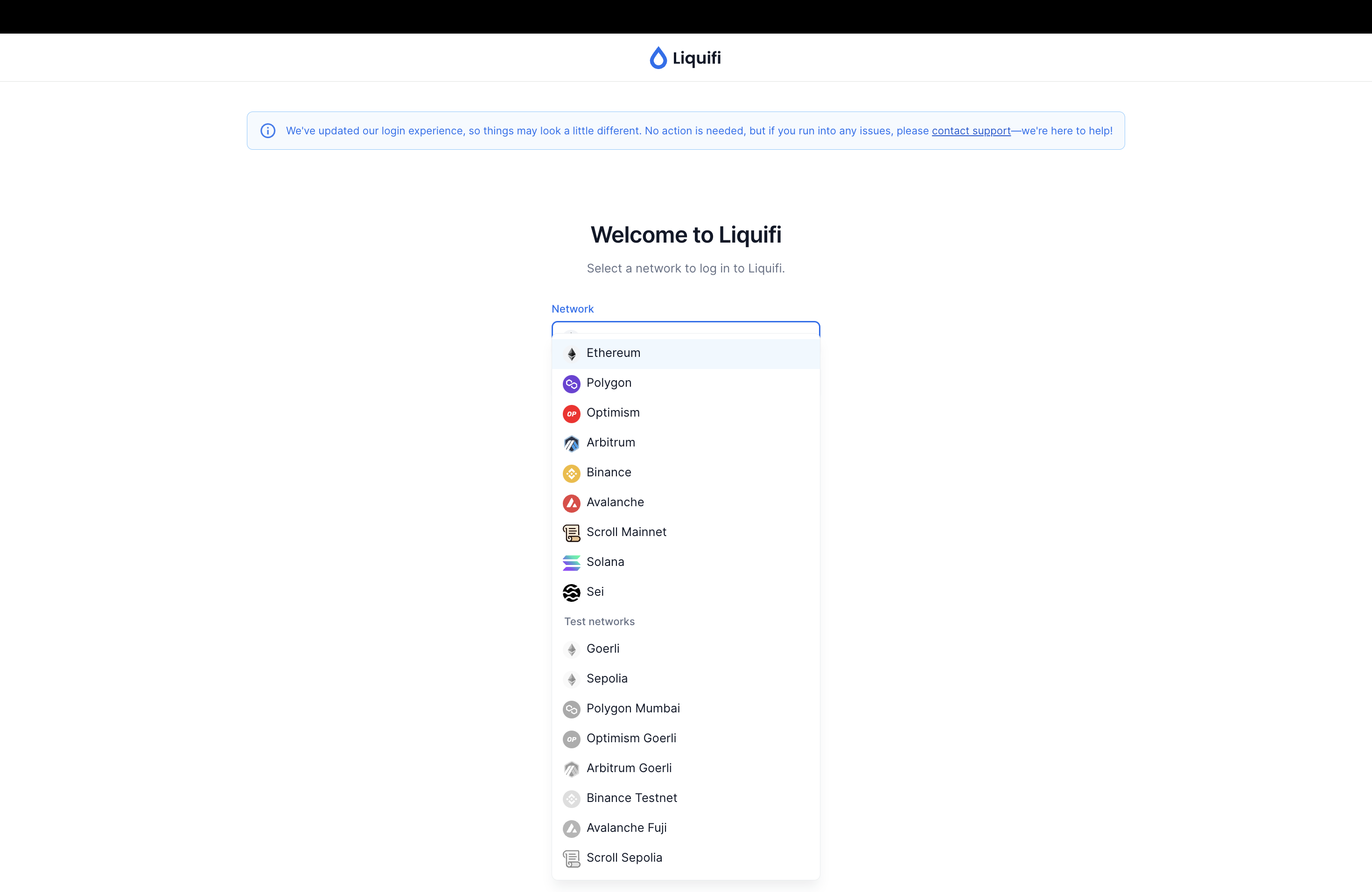
If you are unsure which network to select, please contact your token plan administrator.Navigate to https://app.liquifi.finance/
Click
Log inClick
Metamaskto connect your wallet.png?alt=media&token=28d31155-1aaf-4ac4-ae7b-950cf4451a87)
When prompted by Metamask's browser extension, click
Sign-into verify your identity and enable login access into Liquifi.png?alt=media&token=c22eb19b-f585-4a37-b71a-b2c6fc4b732b)
Sign-in transactions via Metamask do not cost any gas fees and are only required once per session when you log in to Liquifi.
The Liquifi app will process your sign-in request.
.png?alt=media&token=3609c8e5-8e68-4671-89bf-754aedb1d7fb)
Once complete, you'll see your
Portfolioview where any active token grants will be displayed.
NEXT STEP: If you have tokens that are vested and unlocked, visit this support article to learn how to claim your tokens.
If you need immediate assistance, please contact our support team directly at support@liquifi.finance
If you don't see what you're looking for in our support documentation, you can request a resource to be made by our support team using this form.