Remove an adminstrator
Last updated: May 30, 2024
Here are the steps to take to remove an administrator from your Liquifi account:
Navigate to your Stakeholders page
Identify the stakeholder that you'd like to remove from your Liquifi account
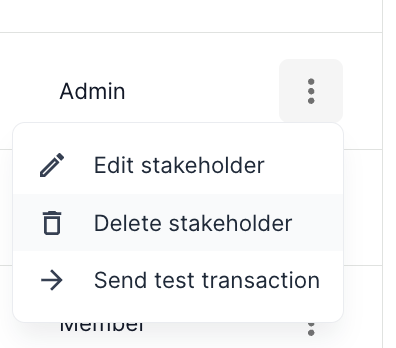
Click the three dots on the right side of the stakeholder's row
Click
Delete stakeholder
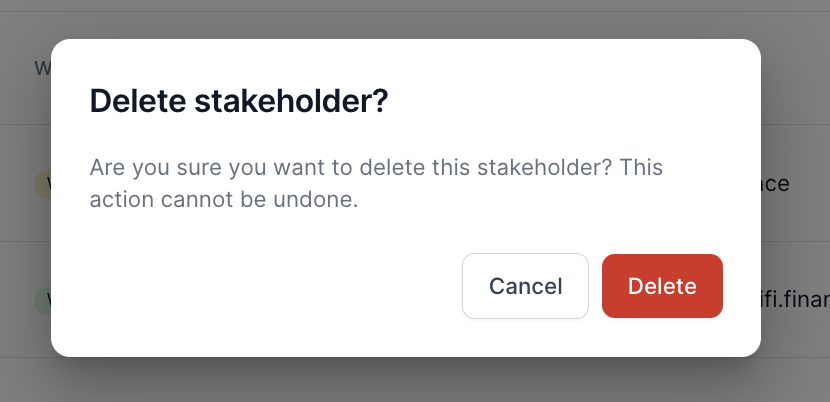
Click
Deletein the pop-up screen
If you need immediate assistance, please contact our support team directly at support@liquifi.finance
If you don't see what you're looking for in our support documentation, you can request a resource to be made by our support team using this form.