Add a new signer to a Gnosis/Safe account
Last updated: September 26, 2024
Navigate to your Gnosis/Safe account dashboard
Click
Settings

Click
Add new signer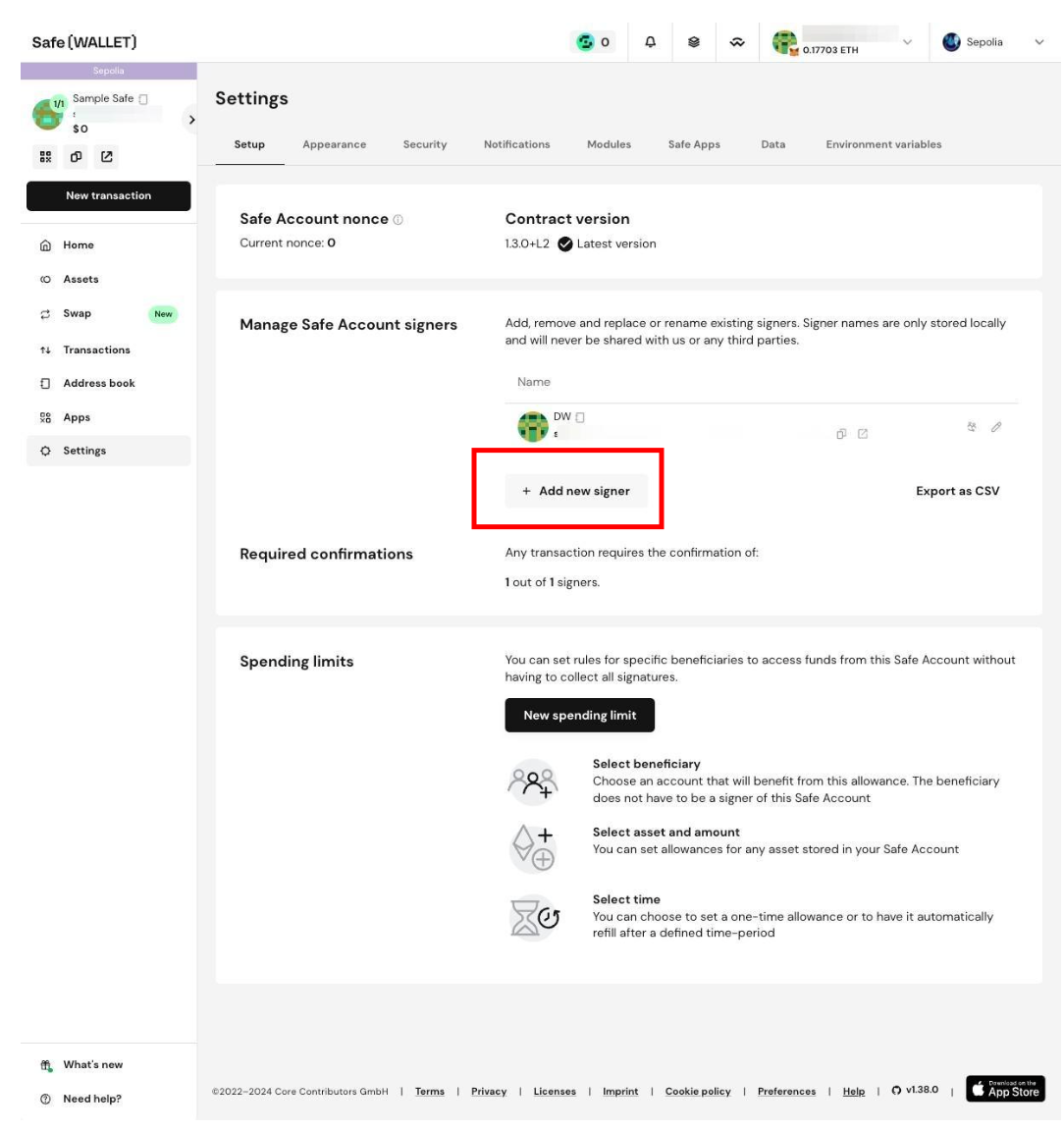
Click the
New signerfield.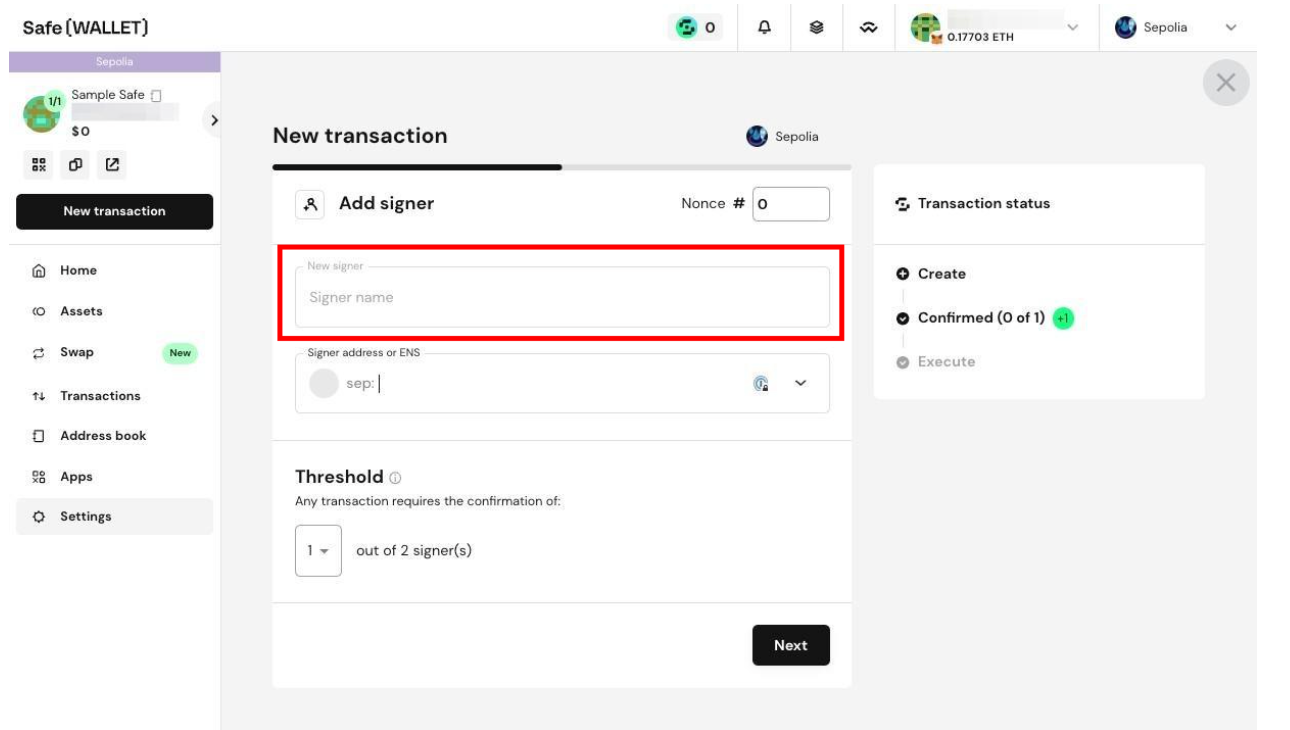
Type in your preferred name for the signer.
Click the
Signer address or ENSfield.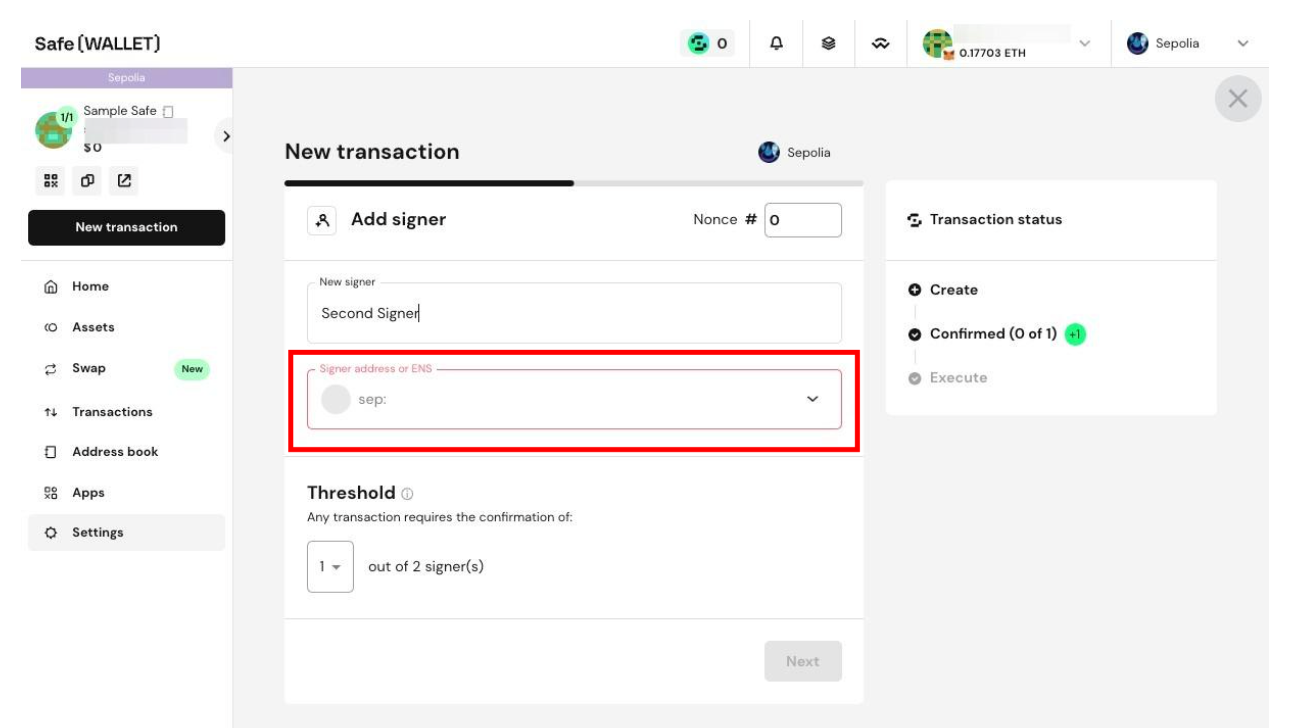
Copy and paste in the second signer's wallet address
Click
Next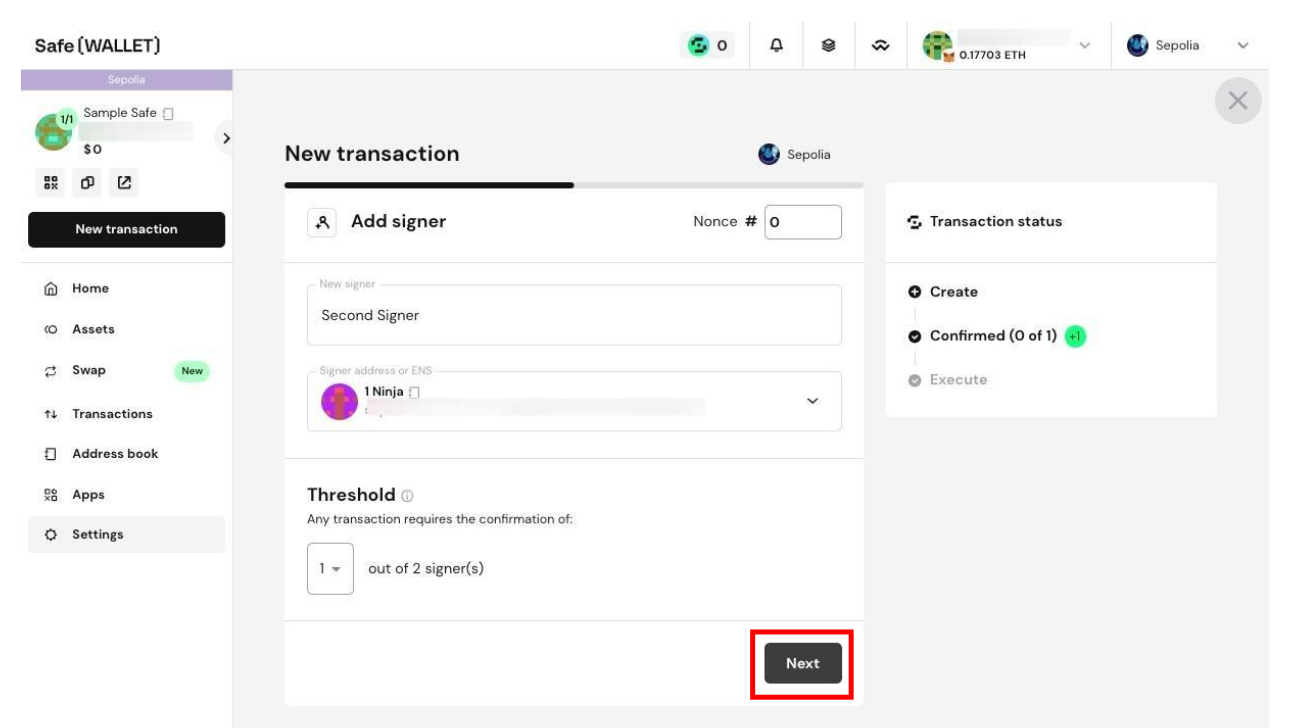
Click
Execute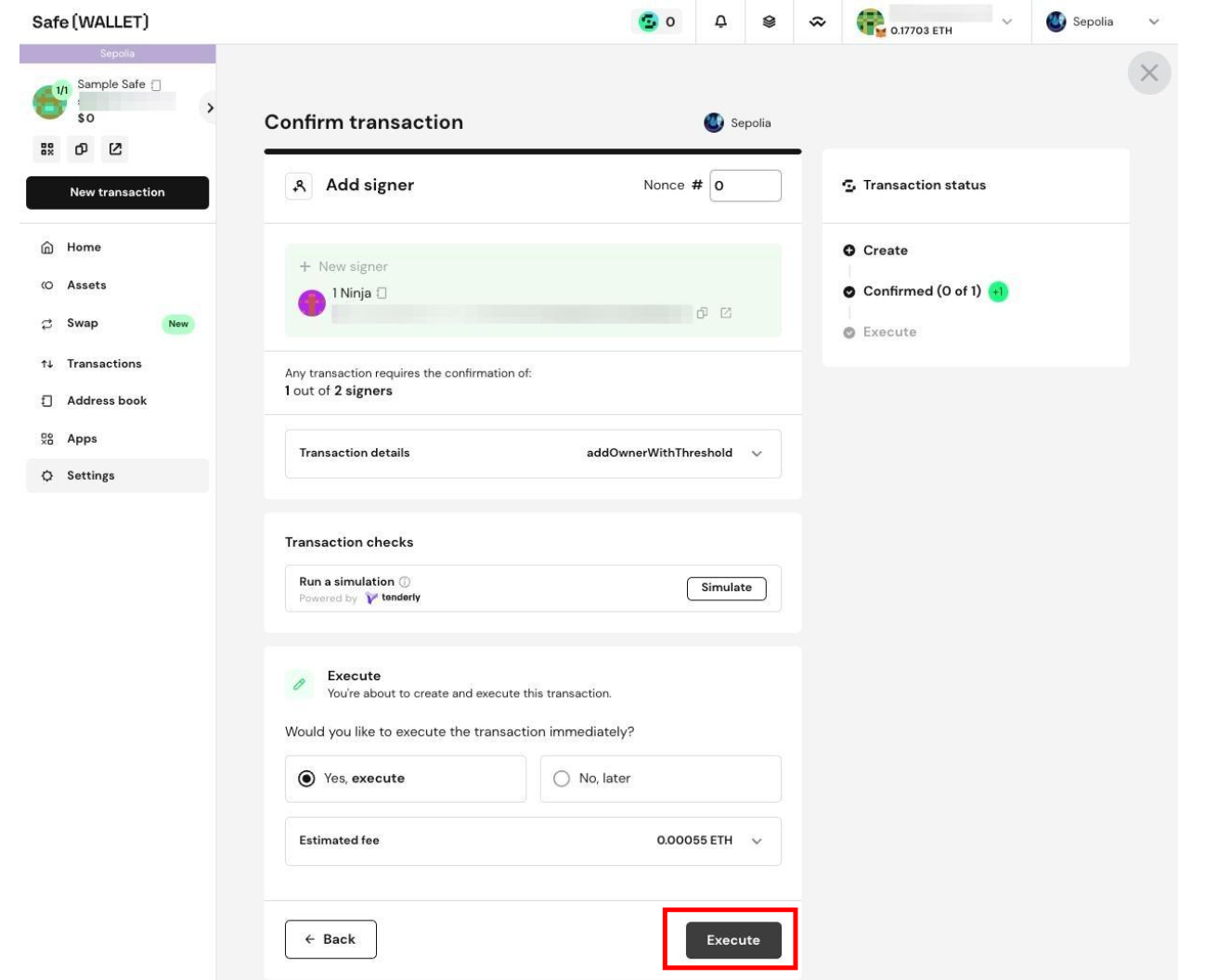
Execute the on-chain transaction to add the additional signer.
Click
Finish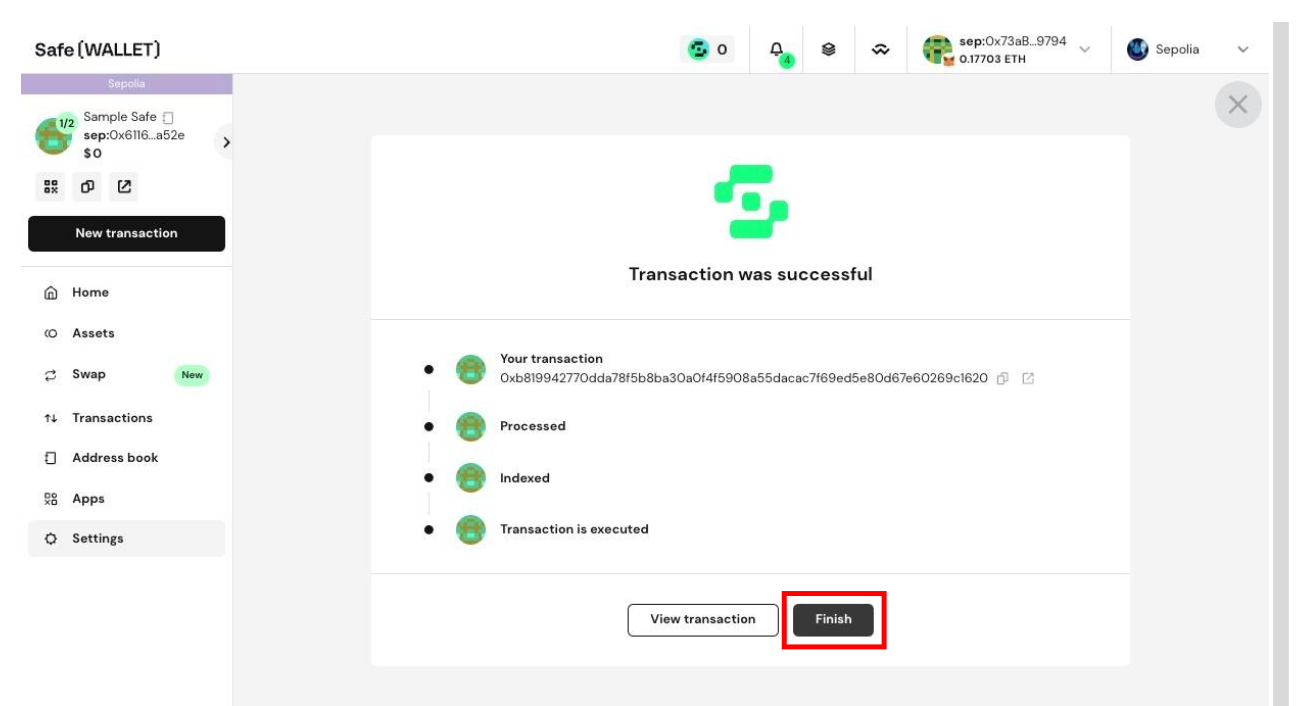
If you need immediate assistance, please contact our support team directly at support@liquifi.finance
If you don't see what you're looking for in our support documentation, you can request a resource to be made by our support team using this form.