Create a Gnosis/Safe account
Last updated: September 26, 2024
Navigate to https://safe.global/
Click
Launch Wallet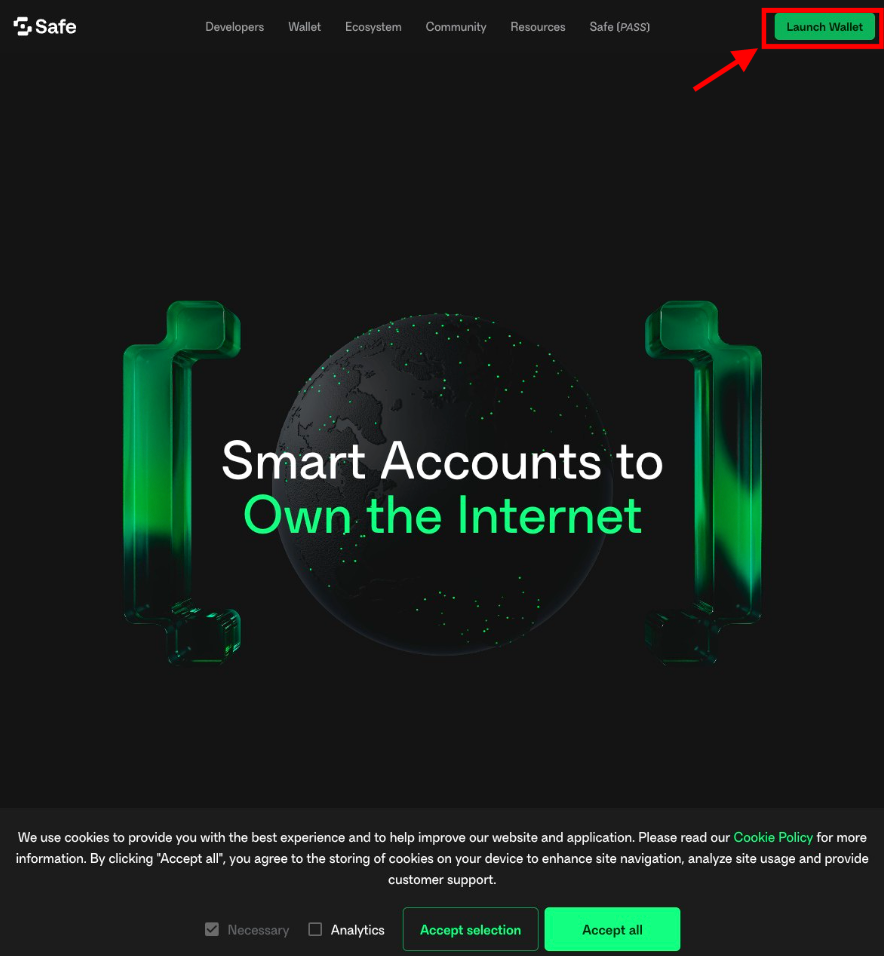
Click
Connect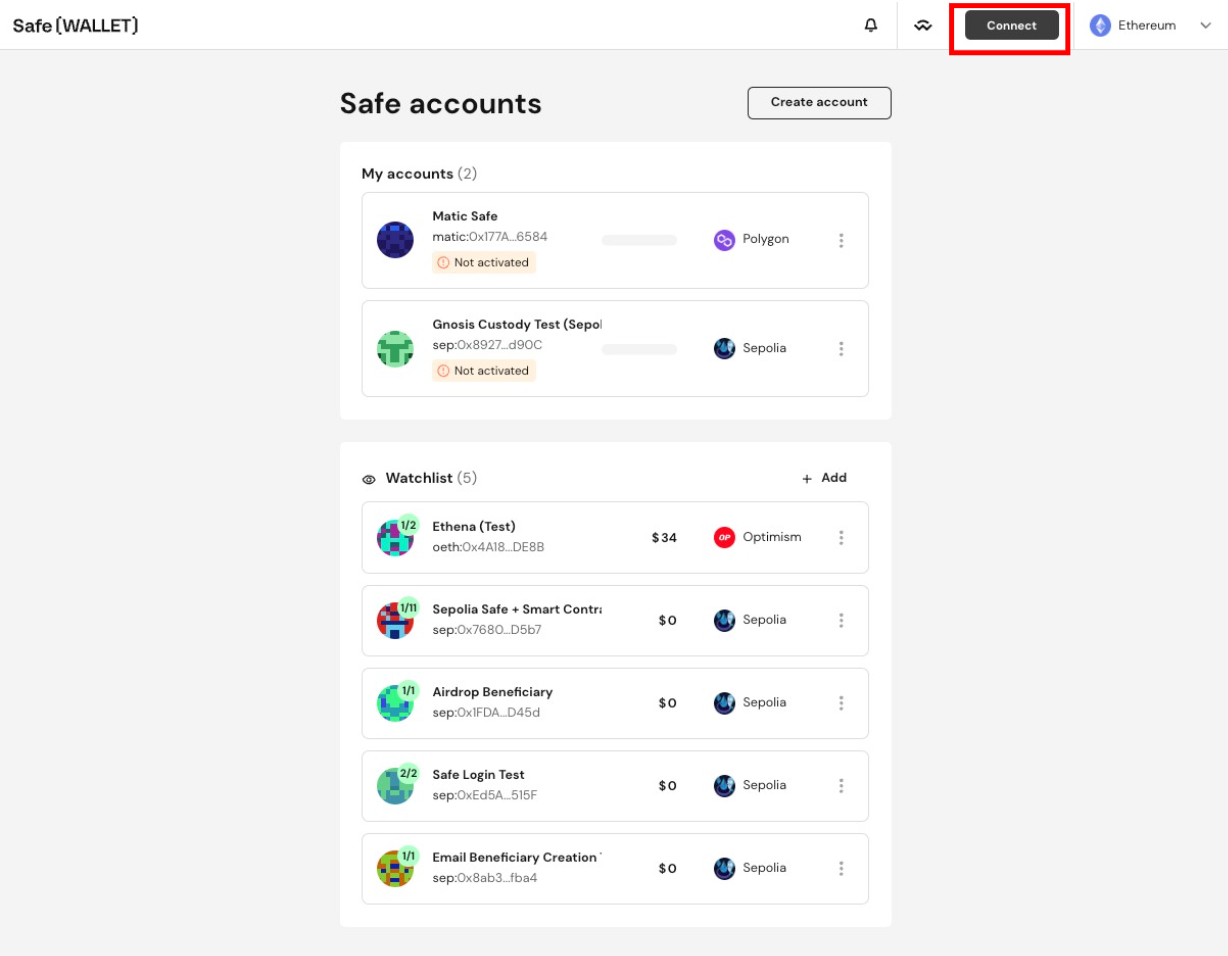
Choose your wallet provider
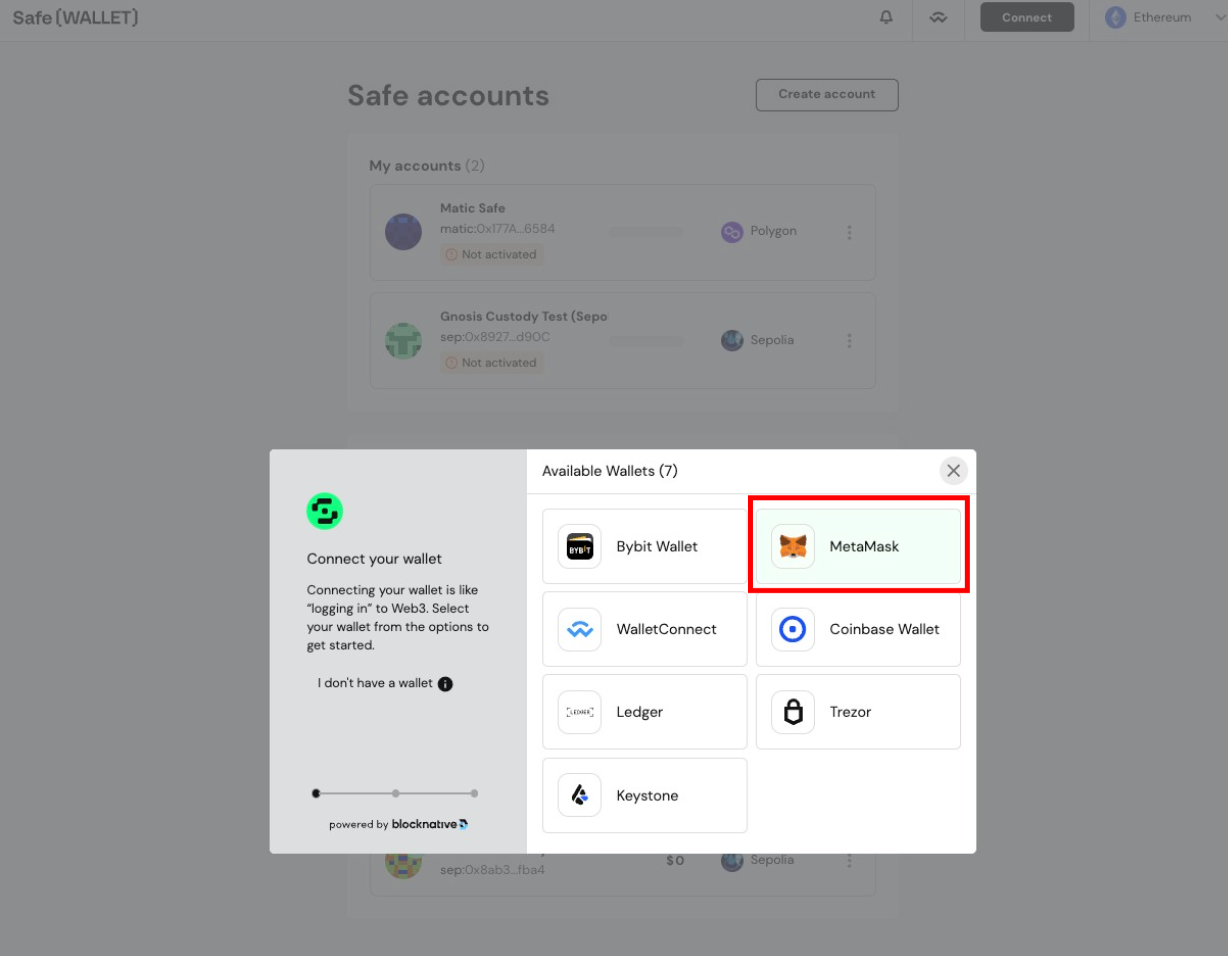
Follow the prompts on your wallet provider to connect your wallet
Click
Create account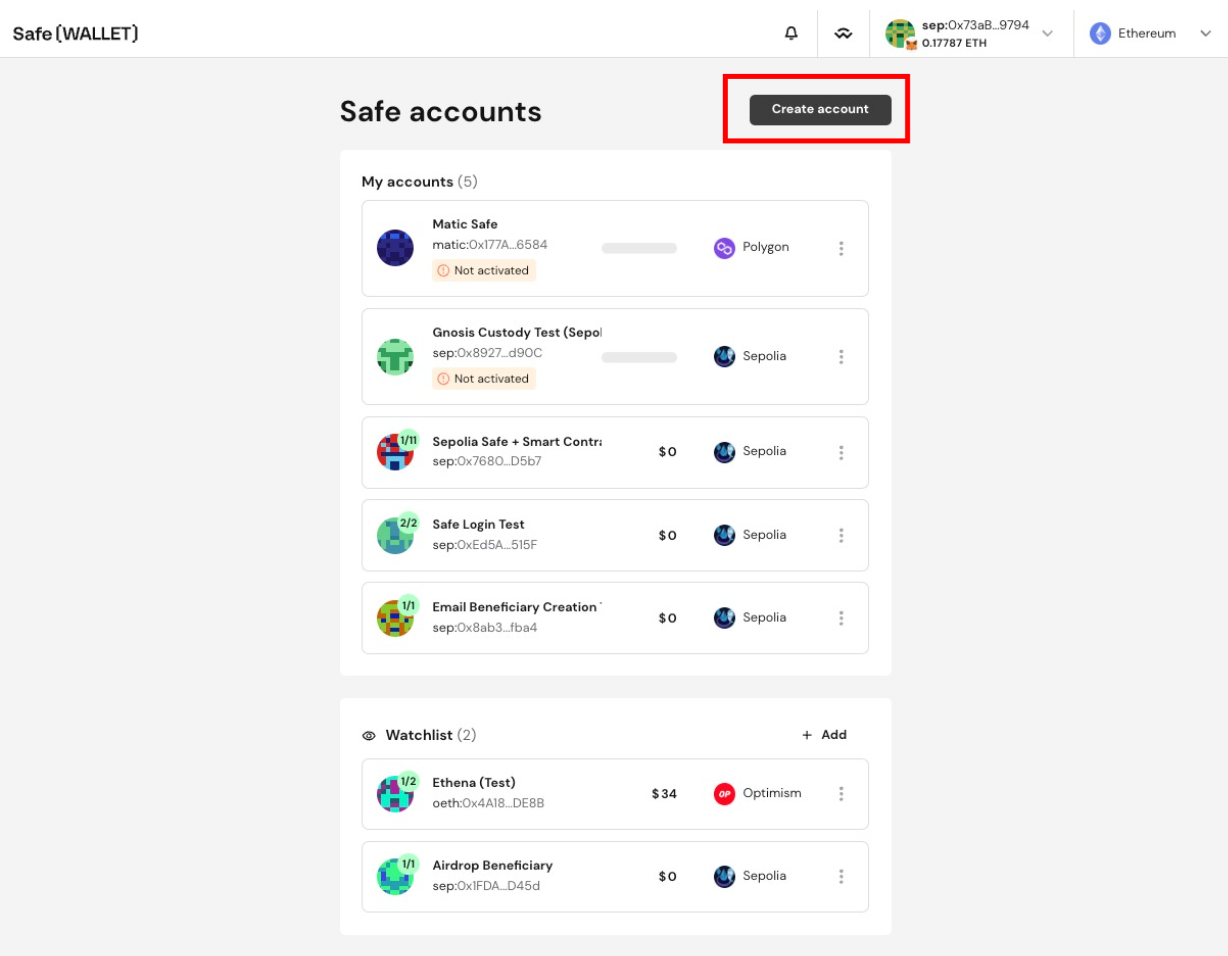
Click the
Namefield.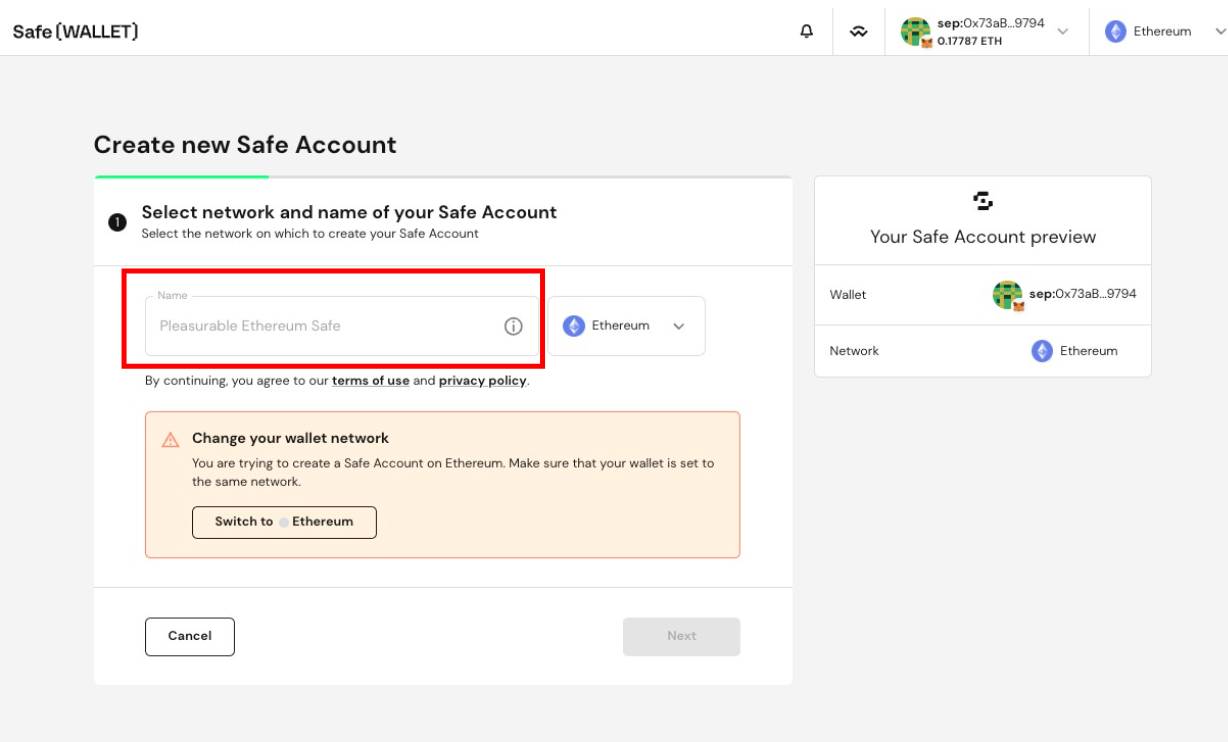
Type in the name you'd like to give to the new Safe.
Choose the appropriate network for the Safe.
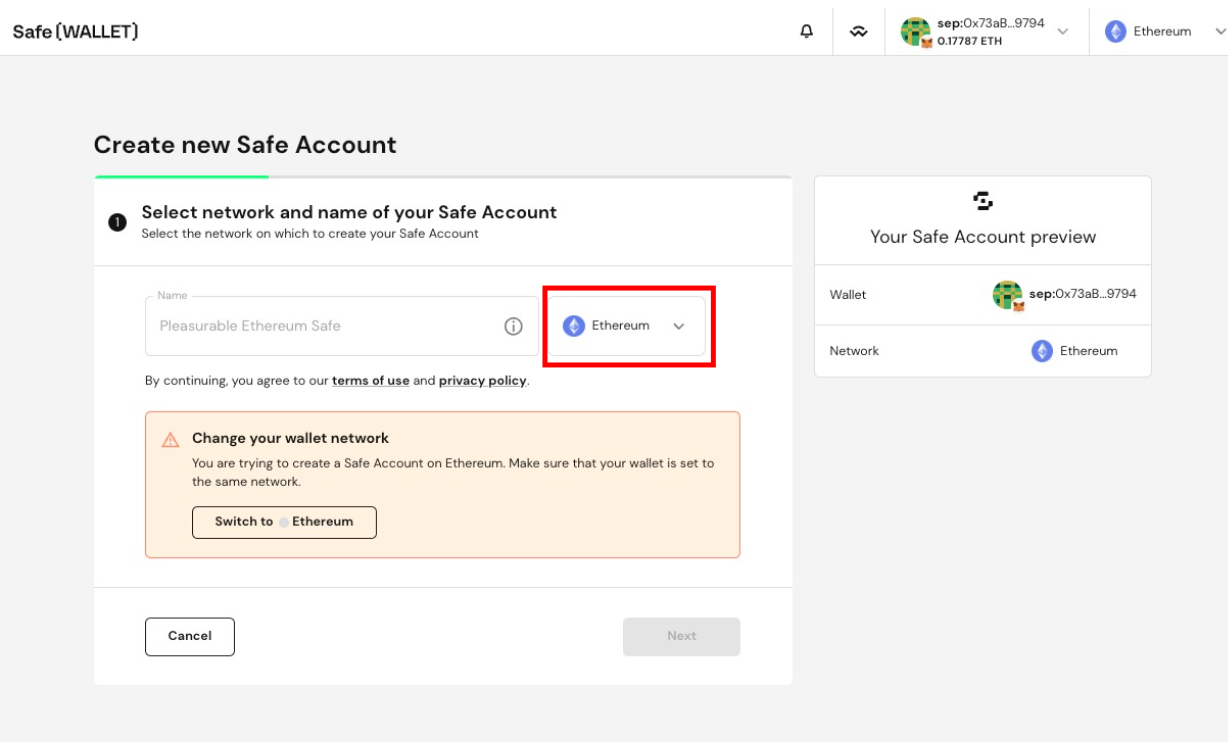
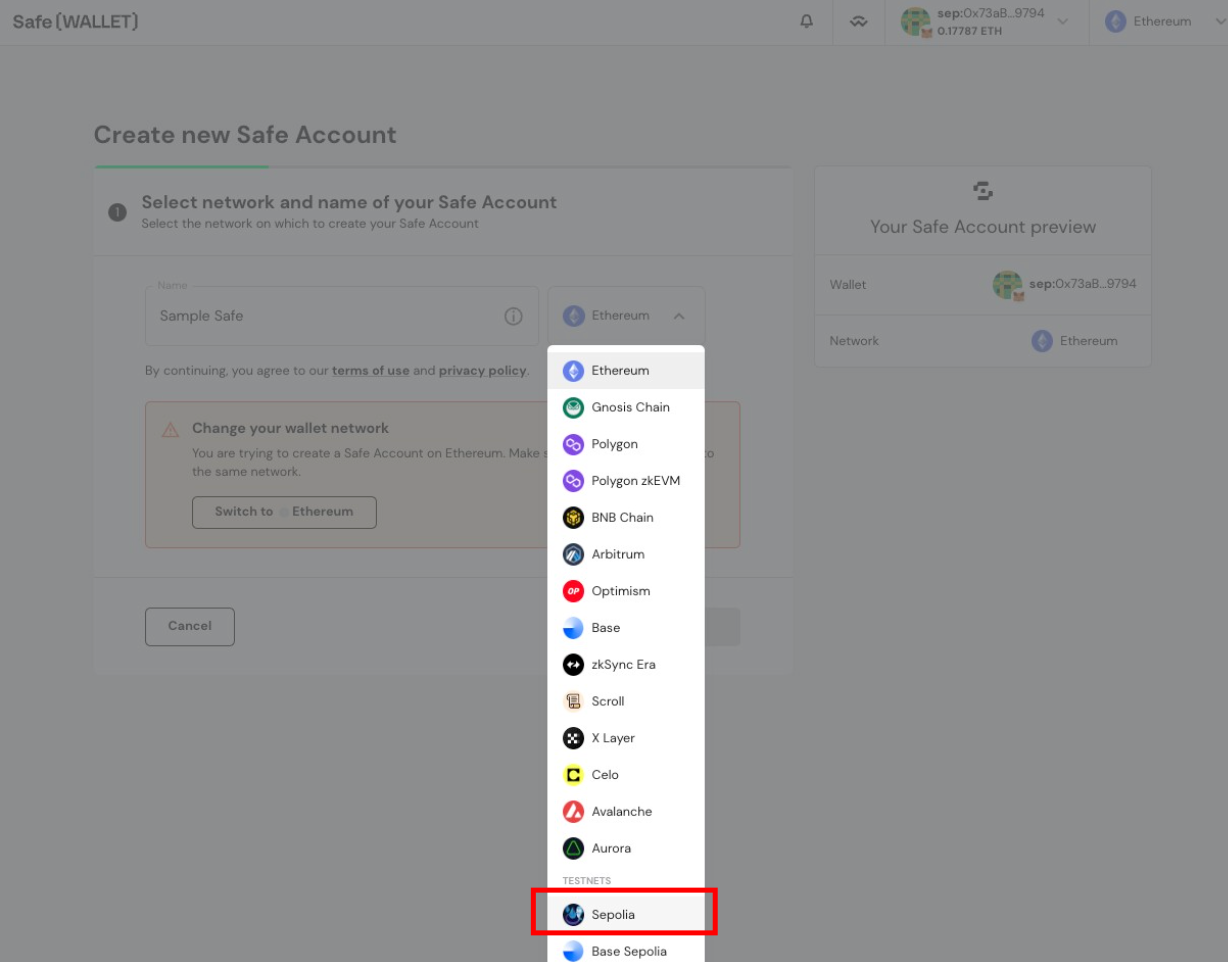
Click
Next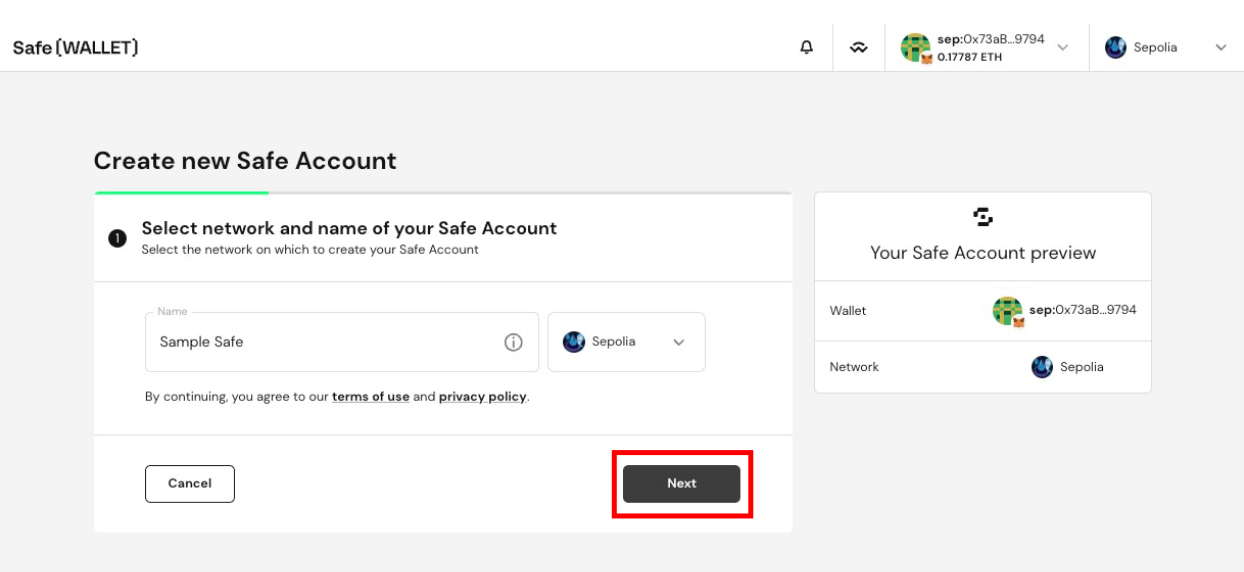
Click the
Signer namefield.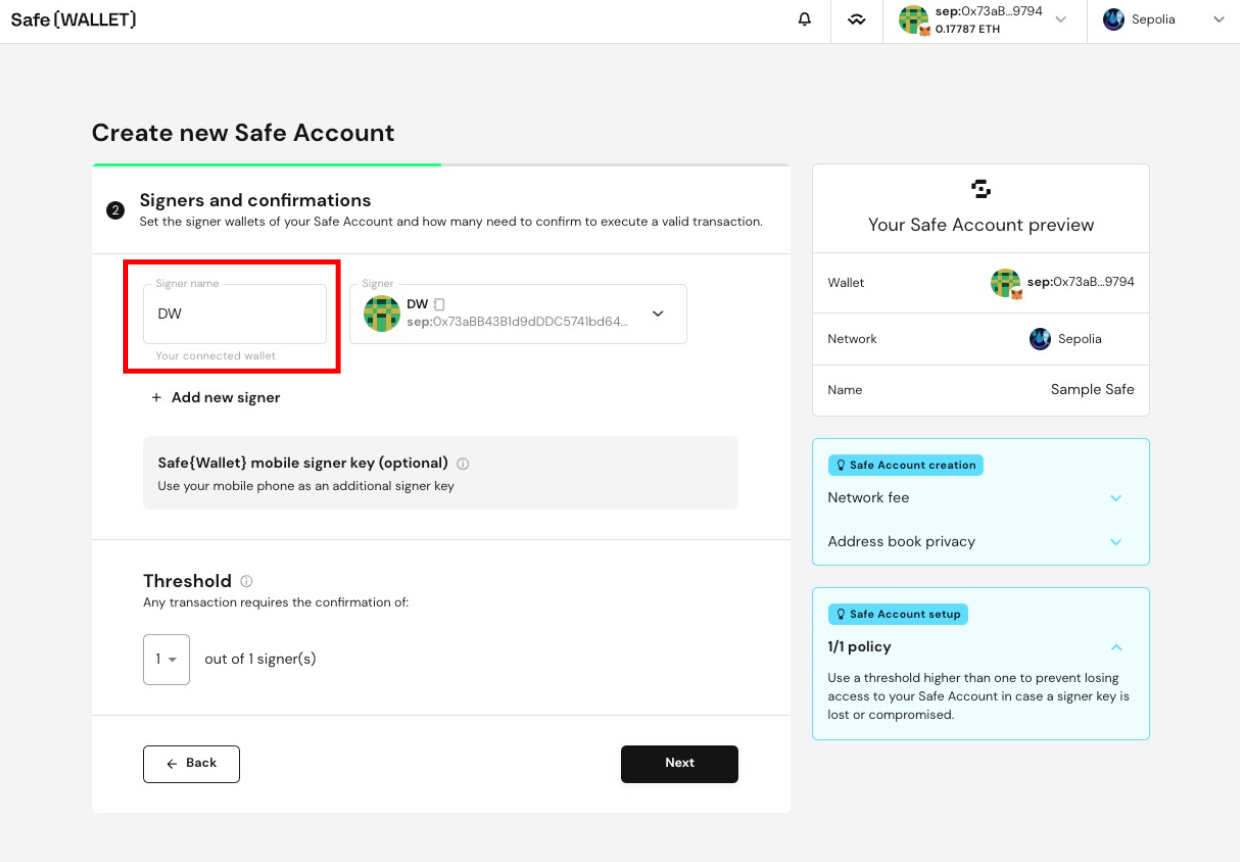
Type in a name for your signer wallet to label it for easy reference.
Click
Next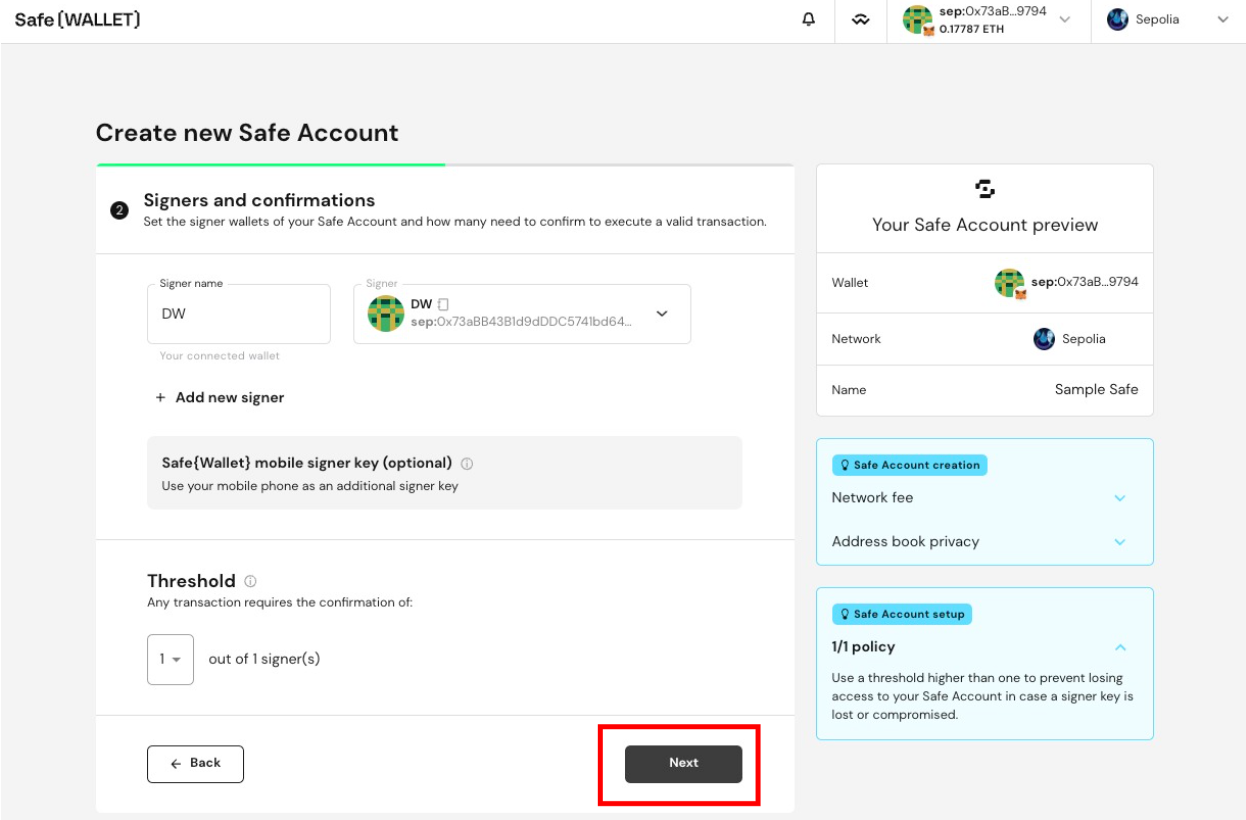
Click
Pay now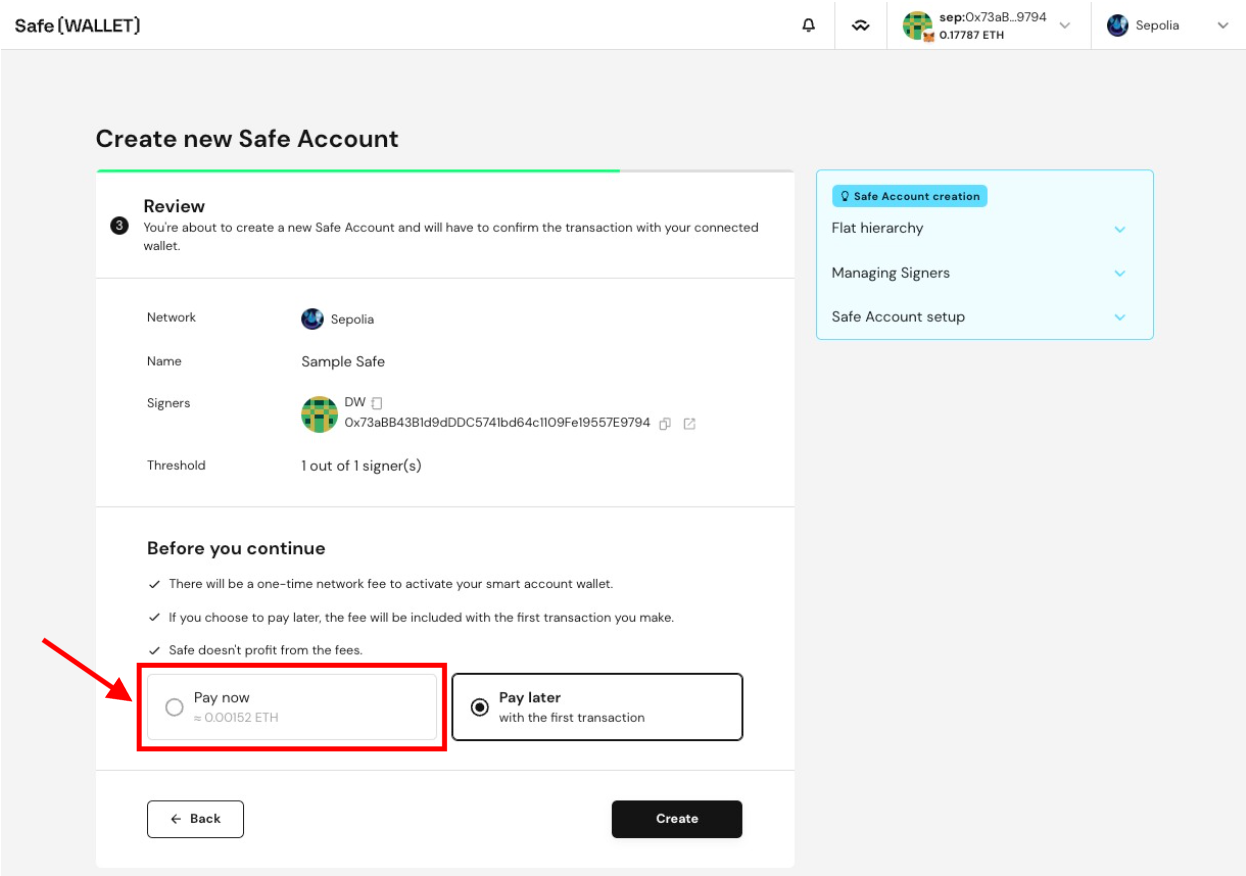
Click
Create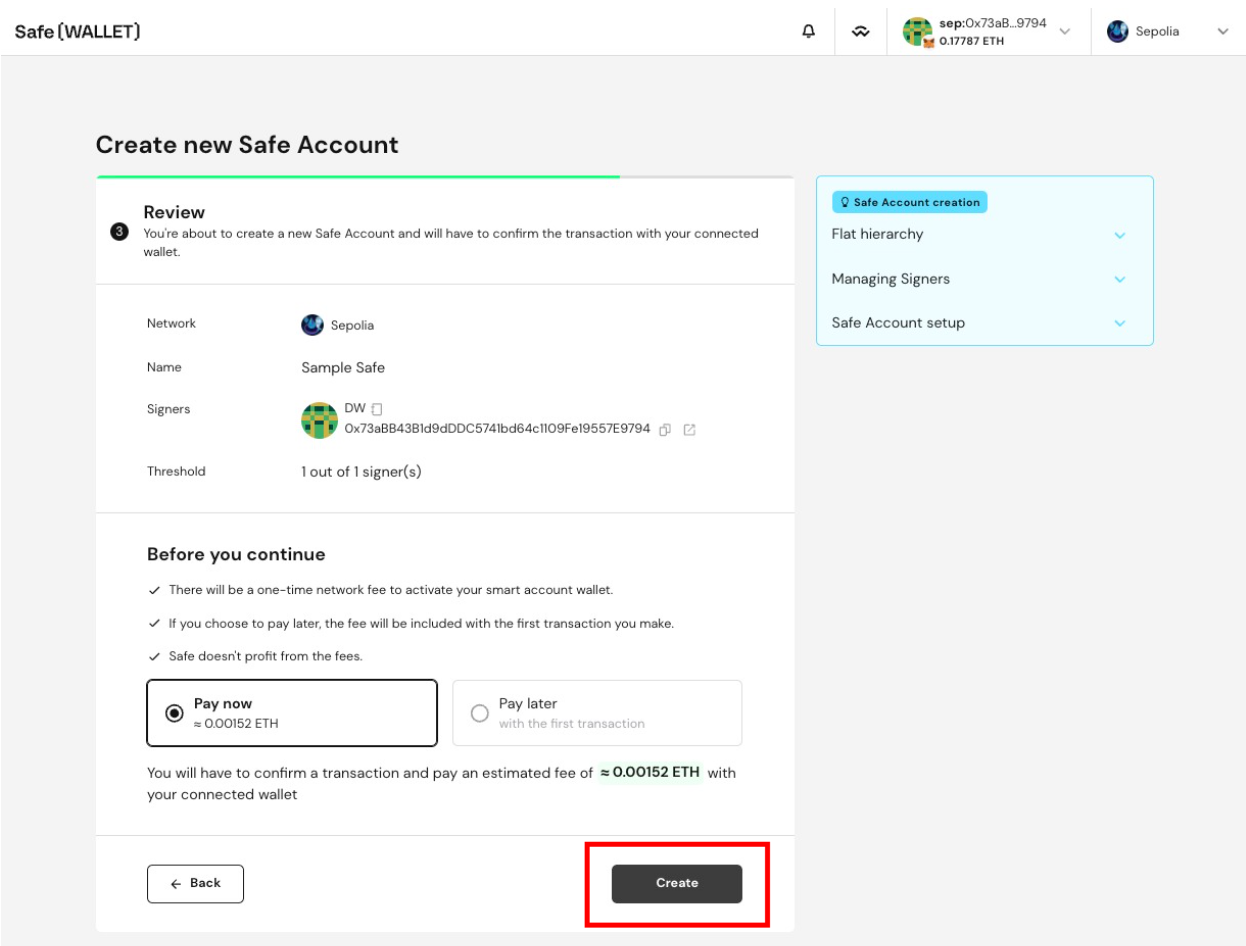
If you need immediate assistance, please contact our support team directly at support@liquifi.finance
If you don't see what you're looking for in our support documentation, you can request a resource to be made by our support team using this form.