Review a trading plan (to approve/reject the plan)
Last updated: May 1, 2025
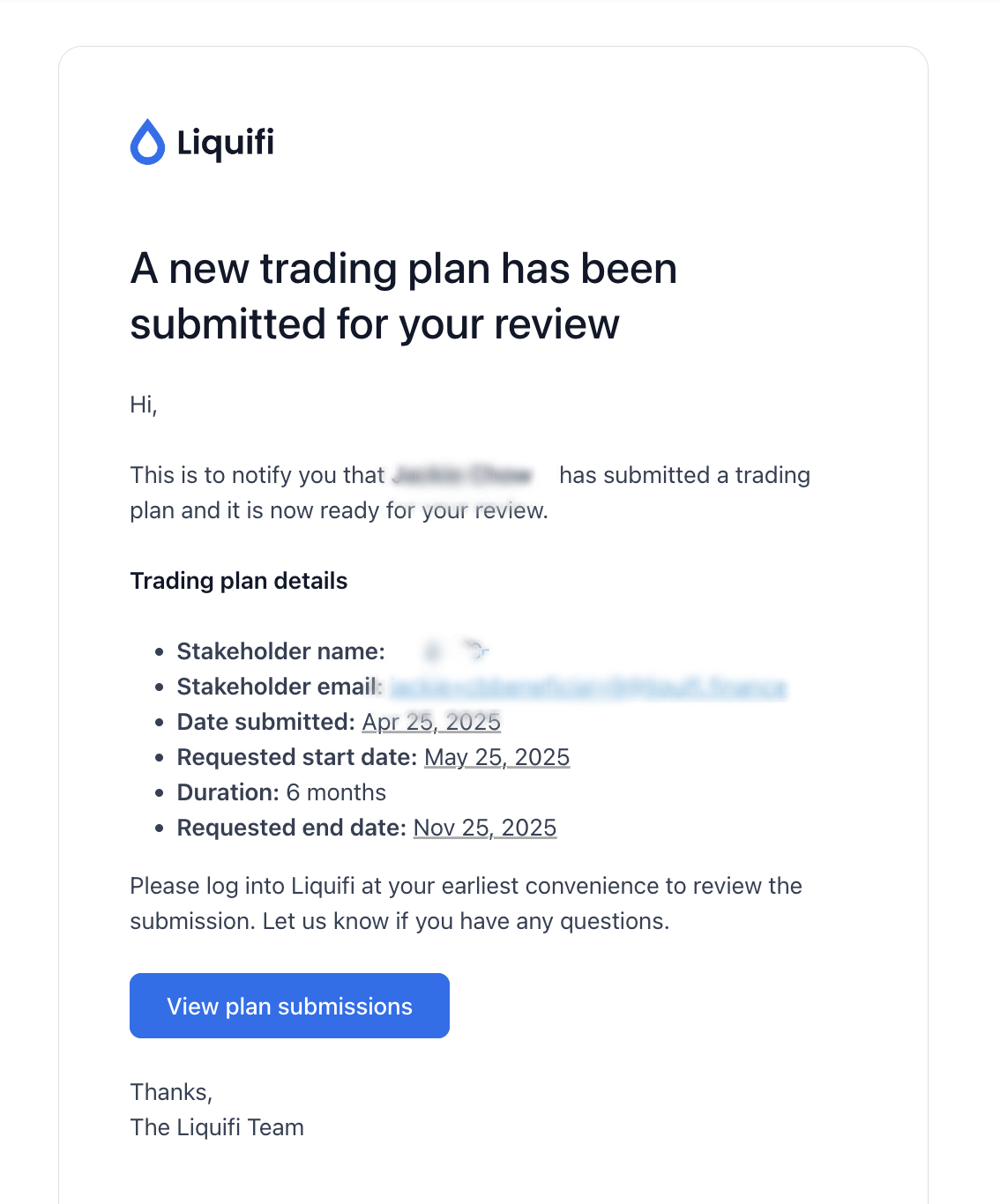
When a trading plan is submitted by a stakeholder you'll receive an email notification that a trading plan is ready for review. it must be reviewed by an administrator before it can become active. Upon receiving the email notification, you should log in to Liquifi to complete your review and approve/reject the trading plan. Here are the steps to take for this:
Identify the email (sample below) and click
View plan submissions, or log in to Liquifi via https://app.liquifi.finance/ and navigate to theTrading Planspage from the main navigation underMore.
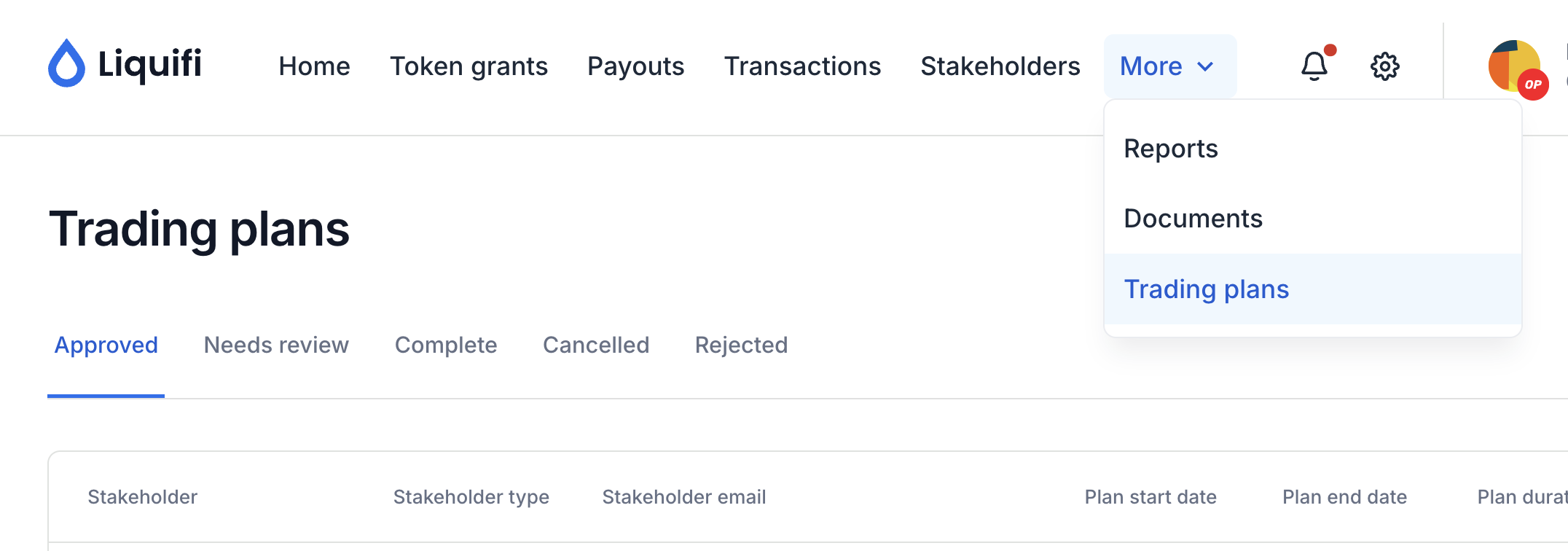
Navigate to the
Needs reviewsection ofTrading plans.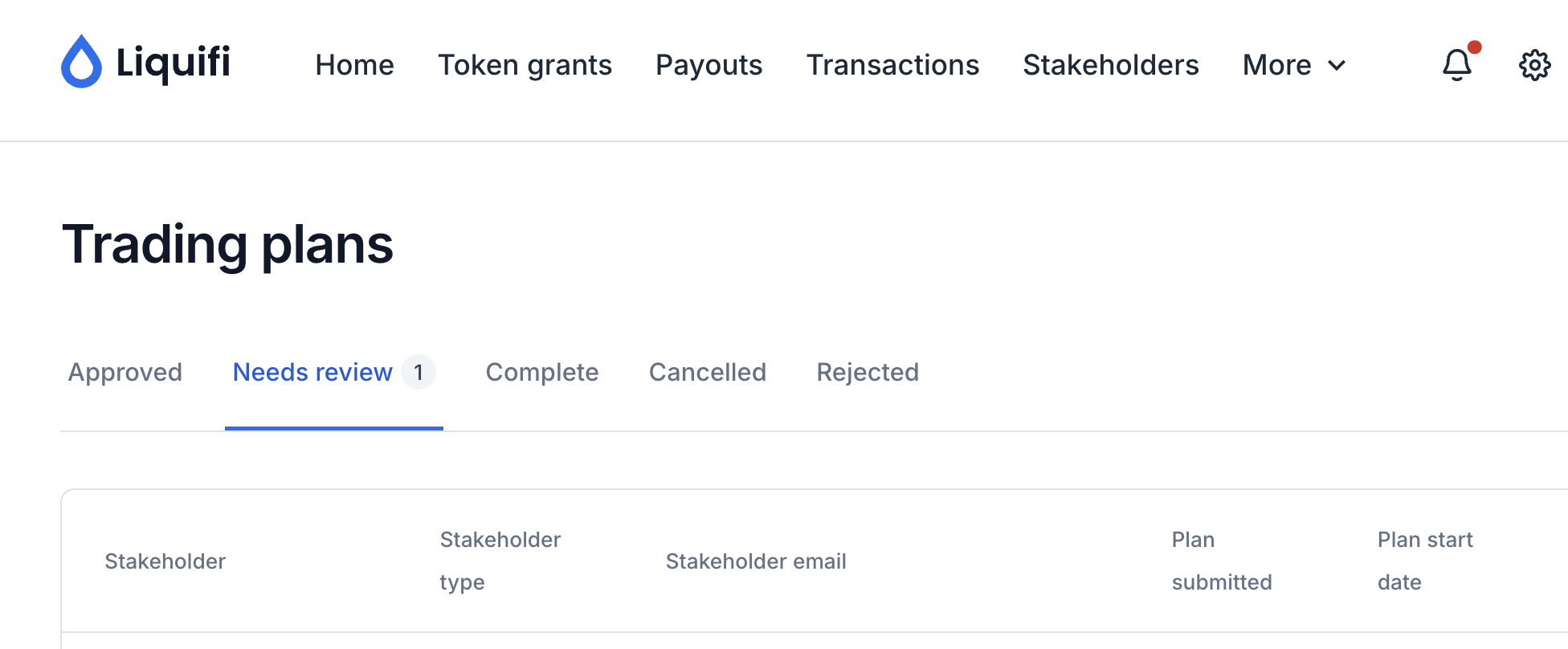
Identify the trading plan you'd like to review and press
Review.Review the trading plan details.
if required, you can download the corresponding trading plan input sheet for review.
Once you've reviewed the trading plan details, either
ApproveorRejectthe trading plan.If you
Approvethe trading plan, the stakeholder will be notified via email that their trading plan has been approved (see below for sample email). No additional action is required.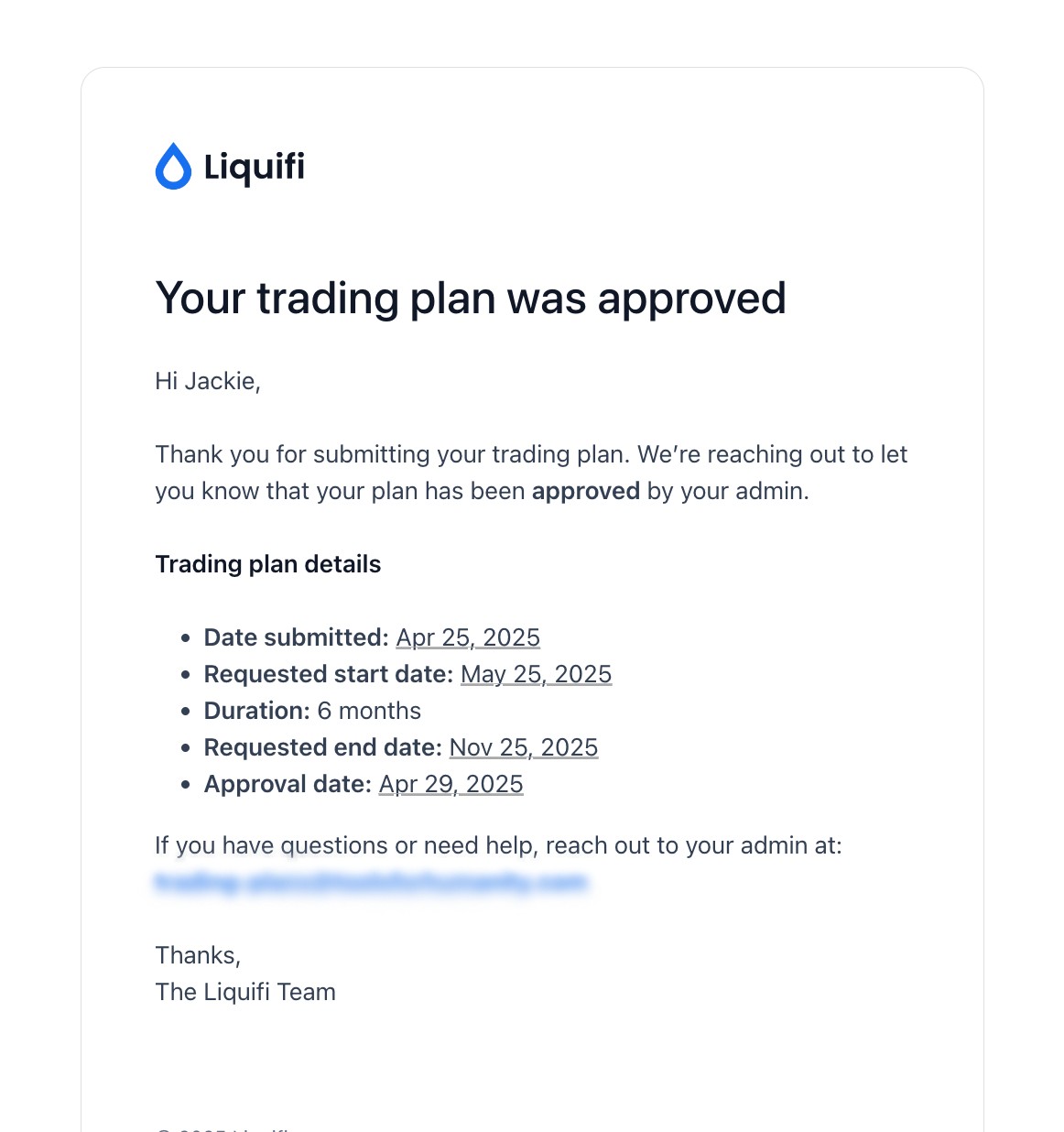
If you
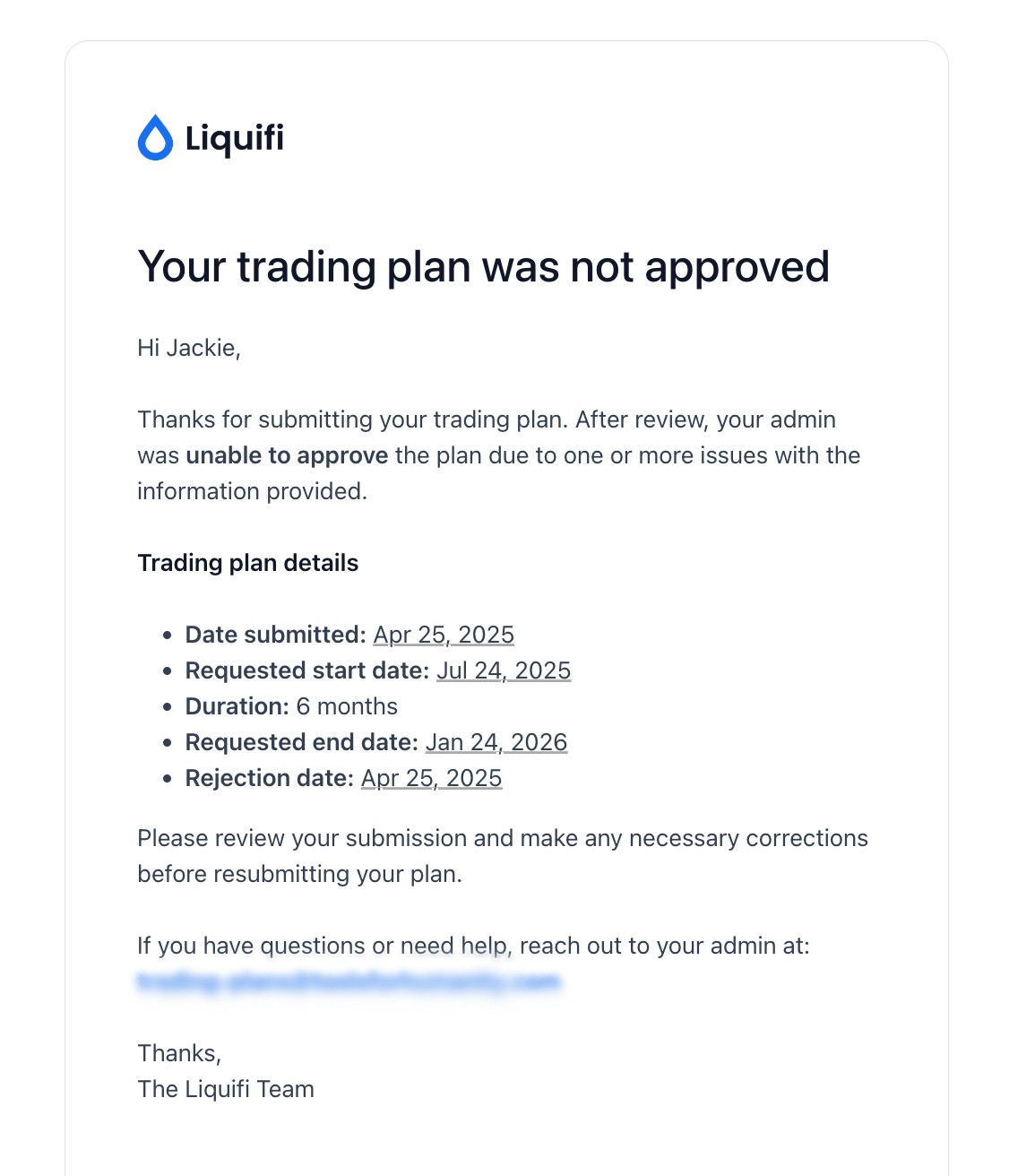
Rejectthe trading plan, the stakeholder will be notified via email that their trading plan has not been approved (see below for sample email). No additional action is required.
Click here to view the steps required by a stakeholder to submit a trading plan.
If you need immediate assistance, please contact our support team directly at support@liquifi.finance
If you don't see what you're looking for in our support documentation, you can request a resource to be made by our support team using this form.