Approve a rejected trading plan
Last updated: April 29, 2025
If you need to revert a denial you made for a Trading plan, take the following steps:
Navigate to the
Rejectedtab of the Trading plans page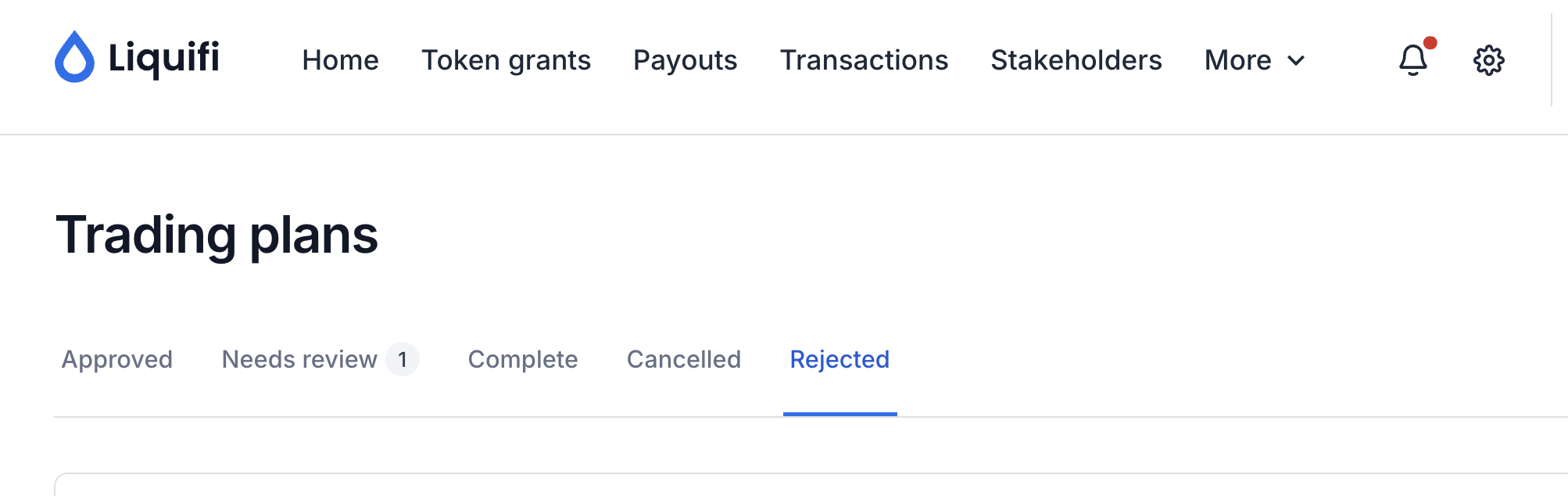
Identify the rejected Trading plan you'd like to revert
Click the three dots on the right side of the row
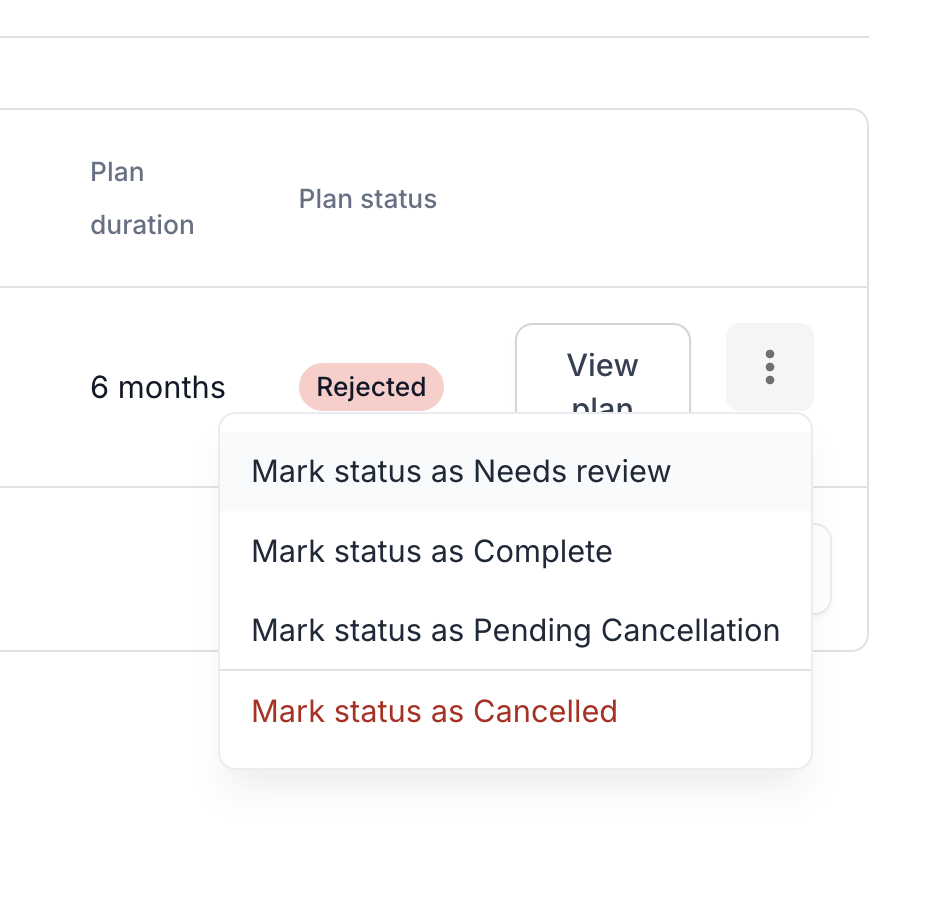
Click
Mark status as Needs reviewto move the Trading plan back to theNeeds reviewstage.Navigate to the
Needs reviewtab of theTrading planspage.Identify the correct trading plan and click the
Reviewbutton.Review the Trading plan details.
Click
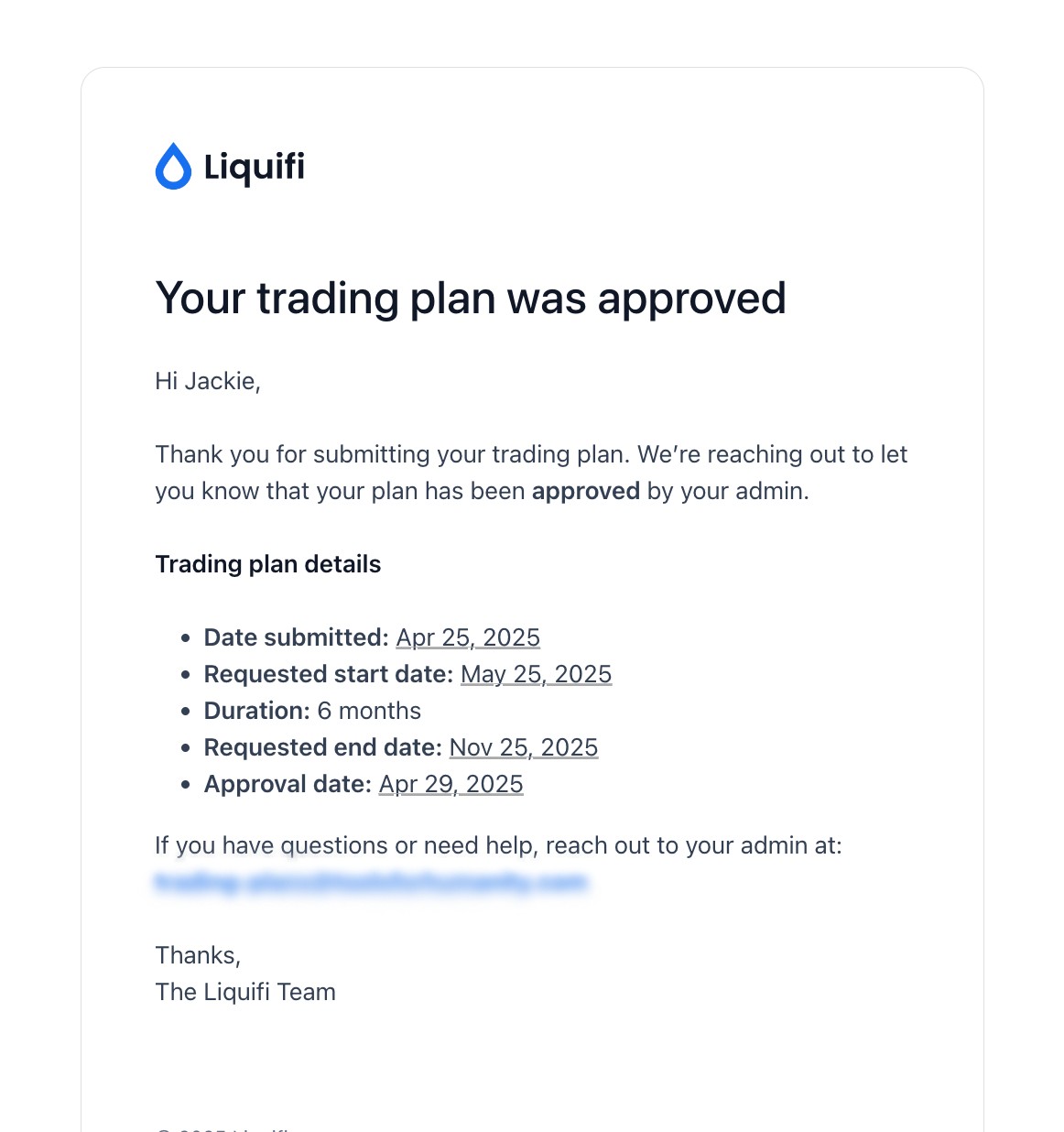
Approveto approve the trading plan and send an email notification to the stakeholder (sample below).
If you need immediate assistance, please contact our support team directly at support@liquifi.finance
If you don't see what you're looking for in our support documentation, you can request a resource to be made by our support team using this form.